XML to PDF Converter Online
Convert XML files to PDF Online for free in seconds. Our advanced, AI-powered XML to PDF converter handles complex structures, large files, and nested data easily and gives a clean, ready-to-use PDF format. All free, fast, and effortless.
Drop PDF Files Here
Release to add files
Convert XML to PDF Instantly: Industry-Leading XML Processing
Discover the most advanced XML to PDF converter online, with advanced structure analysis, dynamic layout optimisation, and powerful performance for converting XML files to PDF seamlessly. Whether you are looking for how to convert XML to PDF, how to change XML to PDF, or how to turn XML into PDF, our tool is very easy to use. You can -
- Convert XML to PDF online in seconds
- Transform XML to PDF with one click only
- Convert XML into PDF without any technical skills
- Works with any .XML to PDF conversion
- Easily convert XML to PDF file for sharing, printing, or archiving
How to Convert XML to PDF Online: Step-by-Step Guide
Convert your XML files into high-quality PDFs effortlessly with our advanced XML-to-PDF converter. Our advanced processing engine ensures accuracy, optimised layouts, and superior readability at every step.
Upload XML File
Upload or drag and drop your XML file - even large files are supported. Our AI-powered XML processor starts analyzing the structure instantly.
Smart Structure Analysis
Our XML analyzer evaluates the complexity of your file - nesting, attributes, and data patterns - then recommends the best view for accurate XML to PDF conversion.
Choose Your Layout
Select the ideal format for your project: Table View (For structured data), Structured View (For hierarchical XML) & Hybrid View (balanced mix).
Convert & Download Instantly
One click converts your XML into a clean, professional PDF. Enjoy optimised, readable, and ready-to-share or print in seconds.
Advanced XML to PDF Converter - Features
Convert XML files to PDF with our advanced and easy-to-use platform. Whether you need to convert an XML document to PDF for reports, data sharing, or archives, our XML to PDF converter platform delivers precision and speed.
Triple View Options
Choose from three optimised viewing modes to present your XML data clearly when converting XML to PDF:
Dynamic Adjustments
Our smart algorithms automatically detect and adapt to your XML file structure for flawless XML file to PDF conversion.
Complexity Analysis
Our advanced analysis engine evaluates the complexity of your XML file and recommends the best conversion settings for perfect output:
Modern & Fast
Experience lightning-fast XML to PDF conversion with performance that outpaces other tools:
Multiple View Options for XML to PDF Conversion
Choose the perfect presentation method for your XML data when you convert XML to PDF. Our tool analyses your XML file and offers multiple optimised viewing formats for the best PDF output.
Tabled View
Perfect for data-heavy XML files with repeating structures. Organizes content into clean, readable tables for professional XML to PDF conversion.
Structured View
Ideal for hierarchical XML documents with deep nesting. Preserves the original tree structure and relationships when you convert XML files to PDF.
Hybrid Approach
Best of both worlds. Intelligently combines table-based and structured views based on your content to ensure the best results when you convert XML file to PDF online.
XML to PDF Conversion: Cutting-Edge Technology
At Pdftechno, experience next-generation XML to PDF conversion powered by advanced algorithms and intelligent analysis that deliver high-quality PDFs faster than other tools.
Advanced XML Parser
Our state-of-the-art parsing engine ensures accurate processing of XML files - no matter how complex their structure is:
Dynamic Layout Engine
Enjoy perfectly formatted PDFs with our advanced XML file to PDF layout engine:
Real-Time Complexity Assessment
Before converting, our tool evaluates your XML document to ensure the PDF output matches your expectations:
Automatic Optimization Based on XML Complexity
Our advanced XML complexity analysis engine evaluates the structure of your XML file and automatically optimises the XML-to-PDF conversion process for the best results.
Simple XML Structure (Low Complexity Score)
Low
Complexity Score
Flat XML files with minimal nesting are automatically optimized for a tabled PDF view. Our converter intelligently detects columns, organizes data into clean tables, and delivers professional PDFs with excellent readability.
Moderate XML Structure (Medium Complexity Score)
Medium
Complexity Score
For XML files with mixed content and moderate nesting, our XML to PDF converter uses a hybrid approach. It combines structured and tabular views to maintain relationships while ensuring your PDF layout remains user-friendly and optimized.
Complex XML Structure (High Complexity Score)
High
Complexity Score
Highly nested hierarchical XML files require a structured PDF conversion. Our tool preserves parent-child relationships, handles deep data layers, and ensures every node is accurately represented for precise, well-organised PDF outputs.
Perfect XML to PDF Conversion: For Every Application
Whether you're working with configuration files, API responses, data exports, or technical documentation, our XML to PDF converter ensures accurate, structured, and professional results every time.
Data Exports
Easily convert XML data exports to PDF with advanced formatting. Generate clean, readable PDF reports from database exports and data dumps while preserving data integrity.
Configuration Files
Transform XML configuration files into well-structured PDF documentation. Maintain hierarchy, settings, and relationships for better clarity and usability.
API Responses
Convert XML API responses to PDF in seconds. Create professional reports and technical documentation for seamless data analysis and sharing.
Technical Documentation
Generate PDFs from XML schemas, structured data, and specifications with unmatched precision. Ideal for developers, engineers, and analysts handling complex XML structures.
Why Choose PDF Techno as an XML to PDF Converter?
Experience advanced features and intelligent automation that make our XML to PDF conversion tool the most reliable choice on the market.
Triple View Technology
Choose from tabled view, structured view, or a hybrid layout. Our advanced XML to PDF converter automatically recommends the best approach based on your XML structure for maximum readability.
Dynamic Structure Adaptation
Our advanced algorithms adapt formatting, layout, and column detection based on XML complexity, nesting depth, and content patterns, ensuring the best XML to PDF conversion experience.
Real-time Complexity Analysis
Leverage our built-in XML analysis engine that evaluates document structure and recommends the most optimized conversion strategy for precise, high-quality PDFs.
Large File Processing
Seamlessly convert large XML files to PDF without compromising performance, even for deeply nested structures and complex datasets.
Superior Market Performance
Enjoy faster processing, smarter automation, and more accurate results compared to other XML to PDF conversion tools available today.
Secure Processing
Your data is protected with enterprise-grade encryption. All XML files are automatically deleted after conversion, ensuring complete privacy and secure XML to PDF processing.
Why Do Users Trust Our XML to PDF Converter?
"I’ve tried multiple XML to PDF converters, but this one stands out. The formatting accuracy is incredible — even with complex XML files and nested data structures, the PDF output looks perfect. It saved me hours of manual formatting!"
— Rahul M., Software Engineer
"We regularly deal with huge XML data exports, and most tools crash or mess up the structure. This converter processed a large XML file in seconds, maintaining hierarchy and readability. Honestly, one of the best XML to PDF tools out there."
— Priya K., Data Analyst
"I was concerned about data security since we handle sensitive XML documents, but the end-to-end encryption and auto-deletion gave me complete peace of mind. Plus, the interface is clean and works smoothly on both desktop and mobile."
— David S., IT Manager
Frequently Asked Questions
Everything you need to know about our advanced XML to PDF converter
What is an XML (Extensible Markup Language) file?
An XML file is a text-based format that is used to store and transport structured data in a way that both people and software can read. Every XML file is wrapped in custom tags to define elements, attributes, and hierarchies, which make it ideal for configuration files, API responses, data exports, and technical documentation. XML files are not like HTML files. It does not display data. That is why it is necessary to convert XML to PDF online, so you can read it.
What is a PDF (Portable Document Format) file?
The PDF is a universal file format created by Adobe. It contains both text documents as well as graphic images, which make it one of the most commonly used file types worldwide. You can open a PDF format in desktop, tablet and mobile easily. Most people prefer PDF formats for reports, documentation, and professional presentation.
What are the three view options, and when should I use each?
Our XML to PDF converter offers three intelligent view options: Tabled View – Ideal for data-heavy XML files with repeating structures. Structured View – Perfect when you want to preserve XML hierarchy and relationships. Hybrid View – Automatically combines both approaches using content-based analysis for the best results.
How does the XML complexity analysis work?
Our AI-powered complexity analysis evaluates your XML file’s nesting depth, element count, attribute complexity, and schema patterns. Based on these factors, it recommends the best conversion method for optimal readability.
What makes this XML to PDF converter better than others?
Unlike basic tools, our online XML to PDF converter uses dynamic structure adaptation, AI-driven formatting, and intelligent layouts. We process larger files faster, maintain structured hierarchy, and deliver professional-quality PDFs compared to other market alternatives.
What is the maximum XML file size supported?
You can convert XML to PDF for large files without any performance loss. Our tool efficiently handles complex XML schemas, deep nesting, and extensive datasets with lightning-fast processing.
How does dynamic layout adjustment work?
Our converter uses real-time structural analysis to automatically adjust page breaks, spacing, indentation, and hierarchy. This ensures the PDF output remains clean, readable, and perfectly formatted regardless of XML complexity.
Can the converter handle namespaces and complex XML features?
Yes! Our XML parser supports namespaces, CDATA sections, attributes, nested nodes, and comments. We ensure every critical data point from your XML file is accurately preserved in the final PDF document.
How fast is the XML to PDF conversion process?
Our optimized processing engine delivers instant XML to PDF conversions. Even with large XML files and complex nested structures, you get professional PDFs within seconds — much faster than most online converters.
Is my XML data secure during the conversion?
Absolutely. All XML files are processed with enterprise-grade encryption. Once the PDF conversion is complete, your files are automatically deleted from our servers, ensuring 100% data privacy and security.
Do I need to install any software to convert XML to PDF?
No installation is required. Our XML to PDF converter works completely online in your browser. Simply upload your XML file, choose your preferred view, and download your PDF instantly.
Can I convert multiple XML files into one PDF?
Yes! You can merge multiple XML files into a single PDF document. Our converter automatically combines, structures, and formats data intelligently for seamless documentation.
How do I convert XML to PDF?
At PDF Techno, you have to upload your XML file, choose a view format like Tabled, Structured, or Hybrid, and just click on the Convert button. Within a few seconds, your XML PDF is ready to use. You can share, print, or archive it.
How to convert XML to PDF format without losing structure?
At PDF Techno, you can convert XML into a PDF format without losing structure. Our intelligent parser preserves nesting, attributes, namespaces, CDATA sections, etc to give you the most accurate XML to PDF conversion every time.
How to change an XML file to PDF on mobile?
Our XML to PDF converter online works on any desktop. If you want to convert an XML file to PDF online, you can use our tool. It is accessible on desktop, tablet, and mobile browsers.
Explore More PDF Techno Tools
Make your workflow smoother with our complete suite of PDF conversion and document management tools:
Word to PDF Converter
Easily convert Word documents into high-quality PDFs without losing formatting.
PDF Compressor
Reduce file size while maintaining clarity and professional quality.
PDF Merger
Combine multiple PDFs into a single organized document in seconds.
PDF Splitter
Split large PDFs into smaller, more manageable files effortlessly.
Image to PDF Converter
Turn your images into PDFs instantly with sharp quality.
PDF to Excel Converter
Extract data tables from PDFs and convert them into fully editable Excel sheets.
PDF to PPT Converter
Transform your PDF reports into stunning PowerPoint presentations.
PDF Unlock Tool
Remove password protection from secured PDFs safely.
PDF Protector
Add strong encryption and password protection to your PDFs.
Related Guides
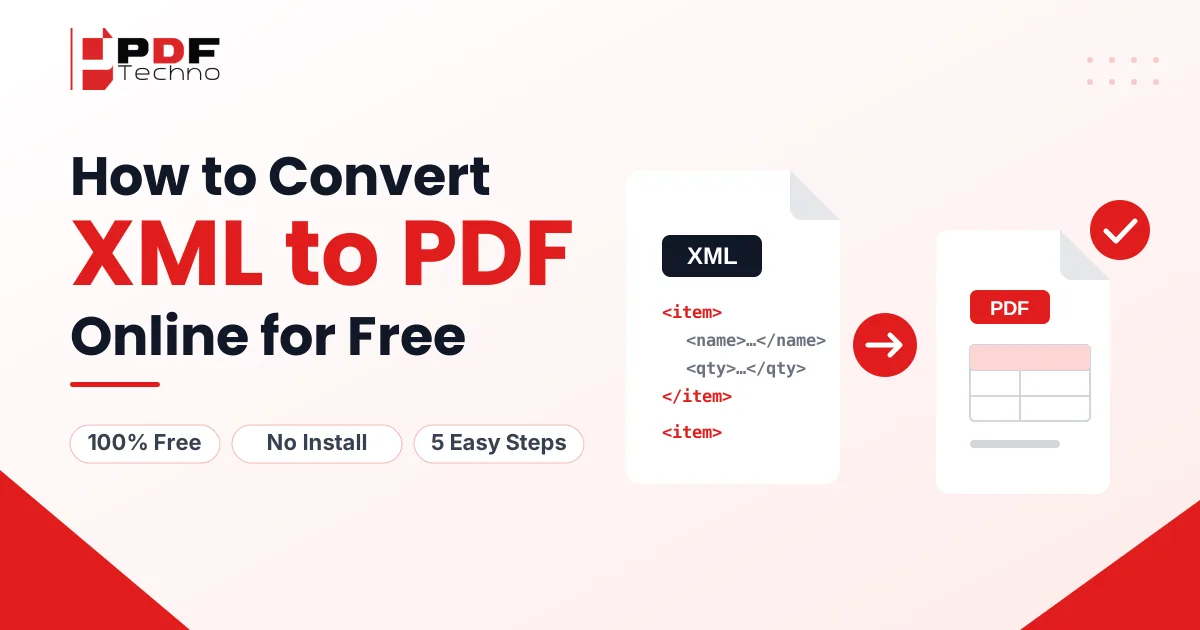
How to Convert XML to PDF Online for Free
Learn how to convert XML to PDF online for free with PDFTechno. Upload, choose Tabled, Structured or Hybrid view, and download your PDF in 5 steps.
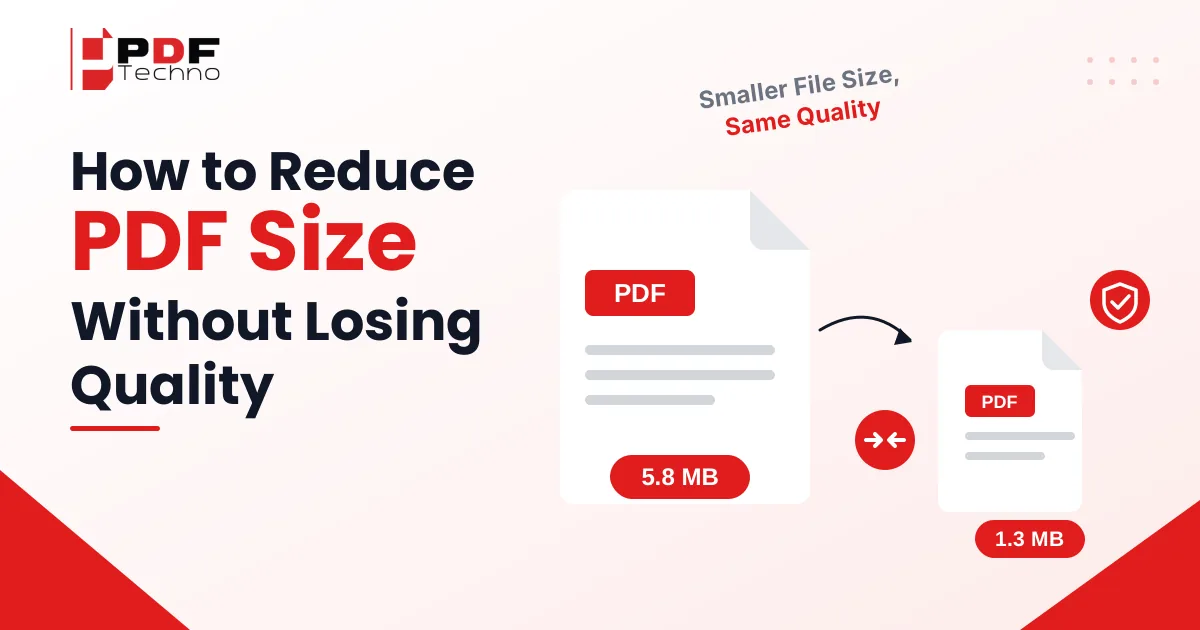
Reduce PDF Size Without Losing Quality: 6 Easy Methods
Reduce PDF size without losing quality in 6 easy ways. Compress scanned PDFs by up to 90% for free, no sign-up needed. Try it now and keep text sharp.

How to Remove Watermark from PDF: Easy Ways to Get a Clean Document
Learn how to remove watermark from PDF online. Discover why PDF watermarks need to be removed and how to remove them using PDF Techno.

Request Signatures Online: How to Send a PDF for Electronic Signature
Learn how to request a signature online and send PDFs for electronic signing. See how to request electronic signatures with PDF Techno.

PDF to Markdown Converter: How to Convert PDF Files into Editable Markdown
Convert PDF to Markdown online with PDF Techno. Learn why PDF to Markdown is useful and how to turn PDF content into editable Markdown files.

Too Many PDF Files? Here's How to Combine Them Into One Document
Have too many PDF files? Learn how to combine multiple PDFs into one organized document for easier sharing, submission, storage, and management.