1. 上傳 PDF
選取您的 PDF 檔案或將其拖放到上傳區域。支援多個 PDF 檔案進行批次處理,非常適合那些希望快速壓縮 PDF 頁面的人。
在不損失品質的情況下,將 PDF 檔案大小減少高達 90%。快速、安全且完全免費的 PDF 壓縮工具。
放開即可新增檔案
At PDF Techno, try the smartest online PDF compressor available. Some compress PDF online free platform reduce size but affect the quality, whereas others barely reduce size. But our free online PDF compressor is built with advanced size optimisation, adaptive quality control, and blazing-fast performance. It analyzes your document and applies the right level of compression suitable for it. Just open your browser and compress a PDF online free - no installation required.
簡單、快速且安全—只需三個簡單步驟即可壓縮 PDF 文件。
選取您的 PDF 檔案或將其拖放到上傳區域。支援多個 PDF 檔案進行批次處理,非常適合那些希望快速壓縮 PDF 頁面的人。
選擇適合您需求的壓縮等級:推薦、高度壓縮或低度壓縮。啟用灰階轉換以進一步最小化 PDF 大小並保持高品質成果。
您的壓縮 PDF 在幾秒鐘內就準備好了!立即下載大小顯著縮減的檔案,可輕鬆透過電子郵件或線上分享,且不影響品質。
PDF Techno's free online PDF compressor is a powerful tool. It goes beyond basic shrinking to handle real-world documents.
You can compress multiple PDFs at once. Perfect for bulk documents and large projects
Our advanced system preserves the quality of the file. Get sharp output with a smaller size
To minimize PDF file size, convert a color PDF to grayscale with the grayscale option
We provide full privacy. Your file is never saved on the server
Compress your PDF in seconds. Get fast and instant results without compromise.
This online PDF compressor works perfectly on all major browsers. No download, no extension.
Get a professional compressed PDF file without any watermark.
量身訂製的 PDF 壓縮選項,旨在縮減檔案大小,同時保持最佳品質。
在 PDF 檔案大小和品質之間取得最佳平衡。
需要大幅壓縮 PDF 檔案大小嗎?選擇此選項可獲得更小、更易於電子郵件傳送的文件。
當文件品質比大小更重要時,請使用此選項。
將彩色 PDF 轉換為灰階,以進一步最小化 PDF 大小。非常適合文字密集型 PDF、發票和合約。在減少重量的同時,保持文件清晰。
At PDF Techno, we know all PDFs are not the same, and each type compresses differently. Our online PDF compressor handles the three main categories
These PDFs are not created easily. They have been captured by a scanner or a phone camera. They are usually the heaviest type of PDF for the biggest compression gain.
These are scanned documents that run through optical character recognition software, detect the invisible text, and make it selectable and editable.
These are the true digitally created PDFs that are expected from Microsoft Word, Excel, PowerPoint, or some similar tools. They combine real text with images, fonts, and formatting.
Get ideal suggestions from our online PDF compressor to get better results with less guesswork. Our free online PDF compressor detects content patterns automatically and suggests the recommended option to proceed.
| PDF Type | Typical Size | Best Compression Mode | Expected Reduction |
|---|---|---|---|
| Image-only / Scanned | Very large | High + Grayscale | 80–90% |
| Searchable (OCR) | Large | Recommended | 60–80% |
| Digitally created | Moderate | Low or Recommended | 30–60% |
Companies and people do not just want to reduce PDF size. They just want it under 2MB or under 1MB because of a form, inbox, or a portal's demand. If you are one of them, you need to compress PDF online for free to reach an exact MB target. Here is a practical thing to do.
This is the ideal process to get common limits like 5 MB, 2 MB, and 1MB. If you want to target something smaller like 100 KB, it depends on the file you have. We cannot realistically shrink the file without reducing quality control.
PDF file contains a lot of text, high-resolution images, embedded fonts, layers, data, repetitive objects, and more, which makes a PDF file larger for the requirements of a portal, etc. You need to compress your PDF file. It does not just save space, but it resolves a daily problem. By compressing your PDF file with our online PDF Compressor, you can
了解為何使用者喜歡我們快速、安全且有效的 PDF 壓縮器。
"我有一份 40MB 的簡報需要透過電子郵件傳送,但它太大了無法附加。這個工具將其縮減到只有 7MB,且沒有任何明顯的品質損失。高品質的壓縮 PDF 功能真是救星!"
Rohit Mehra
行銷經理
"我擔心上傳機密合約,但安全的 PDF 壓縮讓我放心了。批次壓縮功能為我節省了大量時間,而且灰階選項讓我的檔案大小縮減了一半!"
Sneha Kapoor
法律顧問
"我試過幾種工具,但這個提供了完美的壓縮等級。我喜歡我可以選擇推薦、高和低壓縮,並立即看到成果。我的壓縮 PDF 頁面看起來完美無瑕!"
Aditya Sharma
業務分析師
關於我們的 PDF 壓縮工具,您需要知道的一切
根據您選擇的壓縮等級,我們的進階工具可以將 PDF 檔案壓縮 30-90%。推薦的壓縮等級可實現 60-80% 的大小縮減,同時保持高品質的壓縮 PDF。
是的,您可以上傳個別最大 100MB 的 PDF 檔案,總上傳限制為 200MB。對於更大的文件,您可以先將其分割,或尋求企業級解決方案。
推薦壓縮 → 在檔案大小和品質之間取得最佳平衡。
高度壓縮 → 最大化檔案大小縮減(80-90%),但品質會略有損失。
低度壓縮 → 最小化大小縮減,但保留原始 PDF 品質。
對於文字密集型文件,如合約、發票和報告,請使用灰階壓縮。它可以額外最小化 PDF 大小 20-30%,且不影響可讀性。
不一定!使用推薦的壓縮選項,您可以在顯著縮減檔案大小的同時,獲得高品質的壓縮 PDF。只有高度壓縮設定可能會稍微影響圖像清晰度。
可以!我們的工具支援批次處理,因此您可以同時線上壓縮多個 PDF 檔案,為您節省時間和精力。
當然。我們使用銀行級加密,並在處理後自動從我們的伺服器刪除所有上傳的檔案,確保完全的資料隱私和安全性。
可以,只要您輸入正確的密碼。一旦解鎖,您就可以像處理其他文件一樣壓縮 PDF 檔案大小。
是的!我們的工具在智慧型手機和平板電腦上無縫運作,讓您隨時隨地線上壓縮 PDF,無需安裝額外的軟體。
我們的工具適用於所有 PDF 類型,從掃描文件和表格到圖像密集型簡報和電子書。您可以輕鬆壓縮 PDF 頁面,同時不損失格式或版面配置品質。
使用我們完整的 PDF 轉換和文件管理套件,讓您的工作流程更順暢:
輕鬆將 Word 文件轉換為高品質 PDF,同時不失格式。
Try now →在保留清晰度和專業品質的同時,縮小檔案大小。
Try now →在幾秒鐘內將多個 PDF 合併成一個有條理的文件。
Try now →輕鬆將大型 PDF 分割成較小、更易於管理的檔案。
Try now →立即將您的圖像轉換為具備清晰品質的 PDF。
Try now →從 PDF 擷取資料表格,並將其轉換為完全可編輯的 Excel 工作表。
Try now →將您的 PDF 報告轉換為令人驚豔的 PowerPoint 簡報。
Try now →安全移除受保護 PDF 的密碼保護。
Try now →為您的 PDF 新增強大的加密和密碼保護。
Try now →
Learn how to convert XML to PDF online for free with PDFTechno. Upload, choose Tabled, Structured or Hybrid view, and download your PDF in 5 steps.
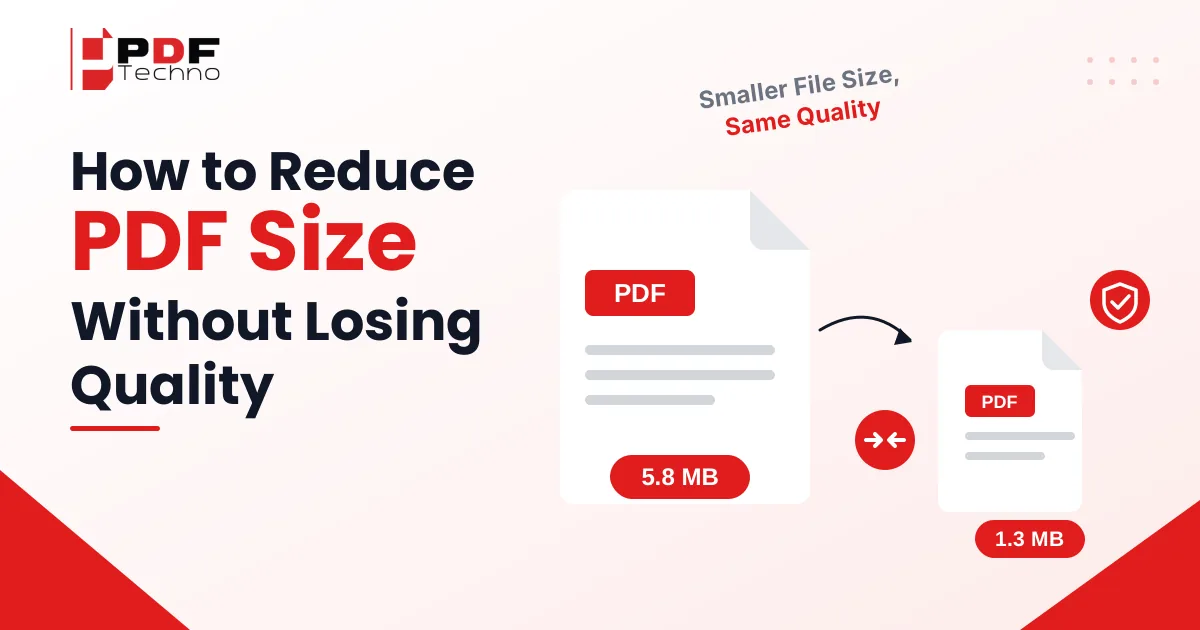
Reduce PDF size without losing quality in 6 easy ways. Compress scanned PDFs by up to 90% for free, no sign-up needed. Try it now and keep text sharp.

Learn how to remove watermark from PDF online. Discover why PDF watermarks need to be removed and how to remove them using PDF Techno.

Learn how to request a signature online and send PDFs for electronic signing. See how to request electronic signatures with PDF Techno.

Convert PDF to Markdown online with PDF Techno. Learn why PDF to Markdown is useful and how to turn PDF content into editable Markdown files.

Have too many PDF files? Learn how to combine multiple PDFs into one organized document for easier sharing, submission, storage, and management.