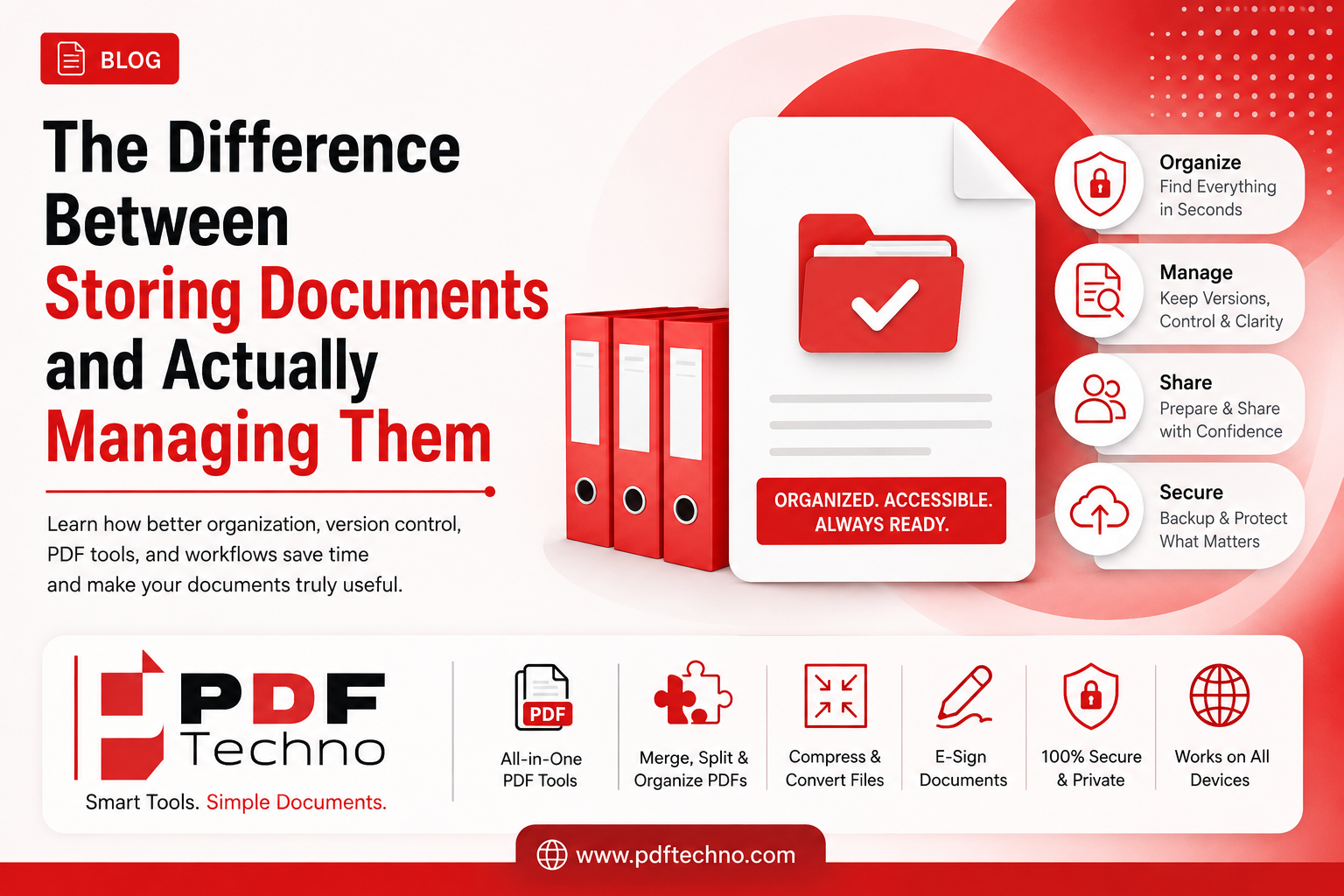
The Difference Between Storing Documents and Actually Managing Them
Most people store documents every day without thinking much about it.
You download a PDF, save an invoice, receive a contract through email, take a photo of an important certificate, or move a file into a folder. As long as the document exists somewhere on your phone, laptop, cloud storage, or email account, it may feel like the job is done.
But is it?
Not necessarily.
There is a big difference between storing documents and actually managing documents.
A stored document simply exists somewhere. A managed document is organized, easy to find, updated when necessary, properly shared, and handled in a way that makes it useful when you need it.
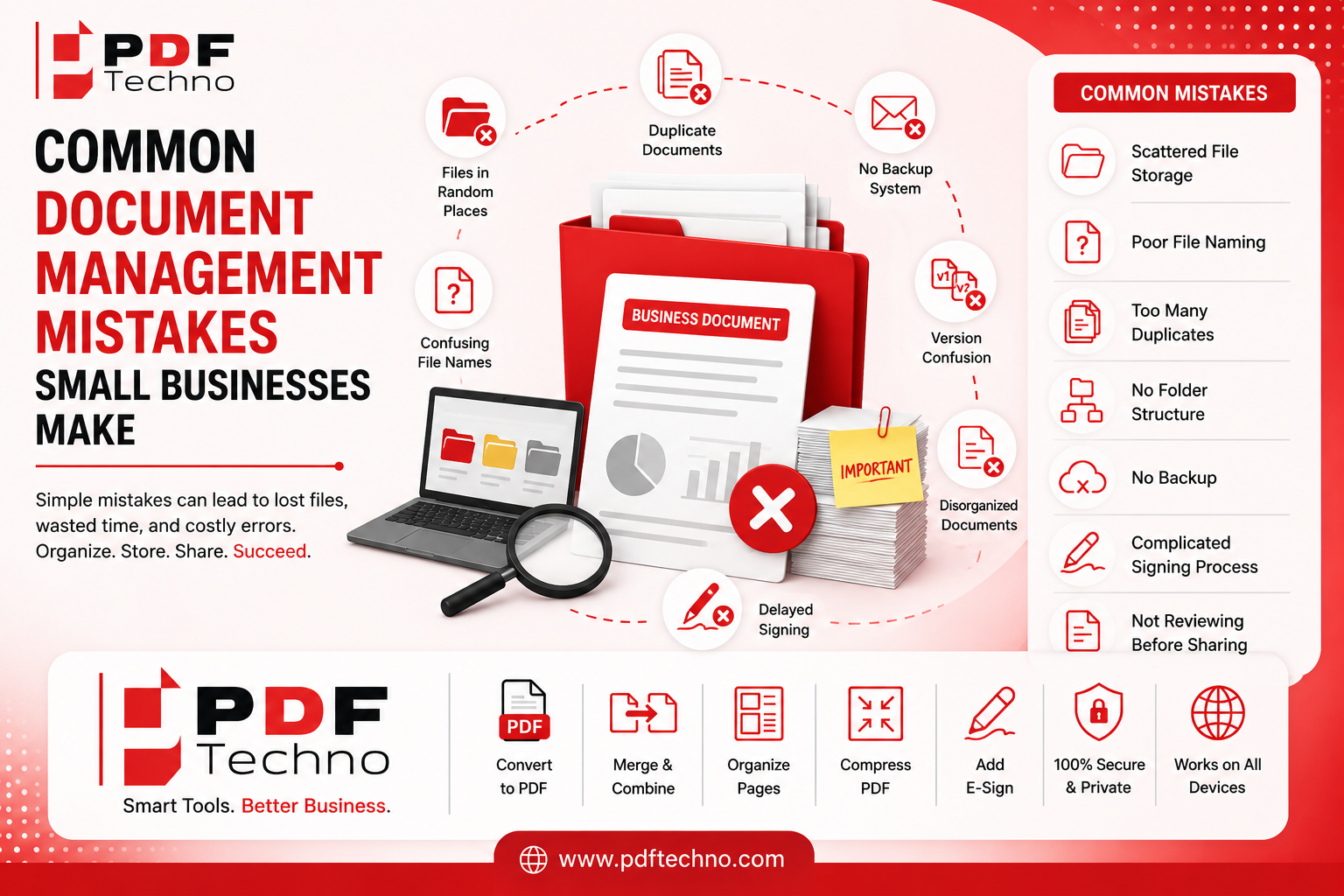
This difference may seem small, but it can have a major impact on productivity. Whether you are a student, freelancer, professional, or small business owner, poor document management can lead to wasted time, duplicate files, version confusion, and the frustration of knowing an important file exists somewhere but not knowing where to find it.
Let's understand the difference.
What Does It Mean to Store a Document?
Document storage is the basic act of keeping a file somewhere.
For example, you might:
- Download a PDF and leave it in your Downloads folder.
- Save a document on your desktop.
- Keep an attachment inside an email.
- Store files in a cloud drive.
- Save a document in a messaging app.
- Copy files to a USB drive.
The document exists, so technically it has been stored.
However, storage alone does not answer important questions such as:
- Can you find the file quickly?
- Do you know which version is the latest?
- Is the document saved in the right place?
- Is there a backup?
- Can you easily share it when needed?
- Is it properly named?
- Are related documents kept together?
This is where document management becomes important.
What Does It Mean to Actually Manage Documents?
Document management is the process of organizing and controlling documents throughout their use.
It goes beyond simply saving a file.
Proper document management may involve:
- Organizing documents into clear folders or categories
- Using meaningful file names
- Identifying the latest version
- Removing unnecessary duplicates
- Keeping related files together
- Making important documents easy to find
- Backing up critical files
- Preparing documents for sharing
- Converting files into useful formats
- Combining related documents into one PDF
- Managing pages when a document needs to be reorganized
- Adding an electronic signature when required
In simple words:
Storage answers: "Where does this file exist?"
Document management answers: "Can I easily find, understand, use, update, organize, and share this file when I need it?"
A Simple Example: Storage vs Document Management
Imagine you have a folder containing 500 files.
Everything is technically stored.
But the folder contains files with names like:
document.pdf
scan001.pdf
final.pdf
final-final.pdf
new-final-2.pdf
Some files are duplicates. Some are outdated. Important documents are mixed with random downloads and screenshots.
Now imagine you urgently need a particular contract.
You know you have it—but finding it takes 20 minutes.
That is storage without effective management.
Now imagine another system.
Your documents are organized like this:
Important Documents
- Personal
- Education
- Work
- Finance
- Business
Inside each folder, files have clear names such as:
Client-Contract-ABC-2026.pdf
University-Marksheet-2026.pdf
Invoice-Client-Name-August-2026.pdf
Related documents are grouped together, outdated copies are clearly identified, and important files are backed up.
That is document management.
Both systems contain the same files. The difference is how useful those files are when you actually need them.
1. Storage Is Passive, While Management Is Active
When you store a document, you usually save it and move on.
Document management is more active.
You decide:
- Where the document belongs
- What it should be named
- Whether it is the latest version
- Whether related files should be combined
- Whether the file needs to be converted or compressed
- How long the document should be kept
- How it should be shared
This may sound like extra work, but a few seconds of organization when saving a document can save a lot of time later.
2. Storage Can Create Digital Clutter
More storage space does not automatically mean better organization.
A phone with thousands of files and a computer with hundreds of folders may have plenty of storage, but finding one important document can still be difficult.
This is one of the biggest misconceptions about digital files.
The problem is often not that people do not have enough storage. The problem is that there is too little organization.
For example, a Downloads folder can become a digital junk drawer containing:
- PDFs
- Images
- Old forms
- Duplicate files
- Random attachments
- Screenshots
- Temporary documents
Everything is stored, but nothing is truly managed.
3. Managed Documents Are Easier to Find
The biggest benefit of document management is simple: you can find what you need when you need it.
A good system does not depend entirely on memory. You should not have to remember the exact day you downloaded a file or which device you used.
Instead, you should be able to search using a meaningful file name or follow a clear folder structure.
For example, if you need a college certificate, you know to look in:
Important Documents → Education
If you need an old invoice, you know to check:
Business Documents → Finance → Invoices
This reduces the time spent searching and the stress of thinking an important document has disappeared.
4. Document Management Helps Control Versions
Version confusion is a common problem.
A single document can quickly turn into:
Proposal.pdf
Proposal-new.pdf
Proposal-final.pdf
Proposal-final-new.pdf
Proposal-final-final.pdf
At some point, nobody knows which version is correct.
Proper document management includes a clear way to identify versions.
You might use:
Proposal-v1.pdf
Proposal-v2.pdf
Or include dates:
Proposal-2026-08-26.pdf
The goal is to make the latest and correct document easy to identify.
5. Managing Documents Means Keeping Related Files Together
Storage often treats every file as a separate item.
Document management looks at the relationship between files.
For example, a job application may include:
- Resume
- Cover letter
- Certificates
- Portfolio
Instead of sending several unrelated attachments, you may want to organize them properly and, when appropriate, combine related documents into a single PDF.
Similarly, a business project may include contracts, reports, invoices, and supporting documents.
Keeping related files organized can make them easier to review and share.
Tools such as PDF Techno can help simplify this process by allowing users to merge related PDF files when needed.
6. A Managed Document Is Prepared for Its Purpose
A stored document may not be ready to use.
For example:
- The PDF may be too large to upload.
- Pages may be in the wrong order.
- The file may be in an unsupported format.
- The document may contain unnecessary pages.
- Several related files may need to be combined.
- A document may need an electronic signature.
Document management considers what needs to happen next.
Before sending a file, you may need to:
- Organize the pages.
- Remove unnecessary content.
- Convert the document into the right format.
- Reduce the file size.
- Add an electronic signature when needed.
- Share the final version.
This turns a simple stored file into a document that is ready to use.
7. Document Management Includes a Clear Sharing Process
A document may be perfectly stored but still difficult to share.
For example, sending five large files separately can be confusing for the recipient.
A better workflow may involve:
- Naming files clearly
- Combining related documents
- Checking file size
- Using a widely compatible format
- Reviewing the final document before sending
PDFs are often useful for sharing because they can help preserve document formatting across different devices.
PDF Techno provides online tools that can help users prepare PDF documents for different tasks, including converting, merging, organizing, and managing files.
8. Backup Is Part of Management, Not Just Storage
If the only copy of an important document is saved on one laptop, the document is stored—but it may not be properly protected.
What happens if the device is lost, damaged, or stops working?
Good document management includes thinking about backups.
Important documents should not depend entirely on a single device or location.
The goal is to make sure valuable documents remain accessible if something unexpected happens.
9. Storage Focuses on Space; Management Focuses on Accessibility
When people think about document storage, they often think about questions like:
- How much storage do I have?
- Where can I save this file?
- Is my device full?
Document management focuses on different questions:
- How quickly can I find this?
- Is this the correct version?
- Is it ready to share?
- Can someone else understand my system?
- Are related documents organized together?
- Do I have a backup?
This is the key difference.
A document is only valuable if you can actually access and use it when needed.
10. Good Document Management Saves Time
Small document problems may not seem serious individually.
Searching for one file for five minutes does not sound like much.
But when this happens repeatedly, the lost time adds up.
You may spend time:
- Searching through folders
- Opening multiple versions
- Downloading files again
- Asking someone to resend a document
- Renaming files at the last minute
- Trying to reduce a file before an upload deadline
- Combining documents right before sending them
A simple document management system can reduce many of these problems.
The goal is not to organize every single file perfectly. It is to make important documents easy to locate and use.
11. The Right Tools Can Support Better Document Management
Good habits are important, but useful tools can make document tasks easier.
For example, you may need to:
- Convert an image into a PDF
- Merge multiple PDF files
- Split a large document
- Rearrange PDF pages
- Compress a file before uploading
- Convert a PDF into another format
- Add an electronic signature
Instead of switching between multiple complicated applications, having access to commonly used PDF tools in one place can simplify the workflow.
PDF Techno offers a range of online PDF tools designed to help users work with documents more easily. Whether you need to convert files, merge PDFs, organize pages, manage document formats, or add an electronic signature, these tools can support different parts of your document workflow.
The important point is that tools work best when they support a clear system. A PDF tool can help you process a document, but organizing where the final file goes is still an important part of managing it.
How to Move From Simply Storing Documents to Managing Them
You do not need an expensive or complicated document management system to get started.
Try these simple steps:
1. Create a main document folder
Use a clear name, such as:
Important Documents
2. Create a few categories
For example:
- Personal
- Education
- Work
- Finance
- Business
3. Use meaningful file names
Avoid names like final.pdf.
Instead, use names such as:
Resume-2026.pdf
Client-Contract-ABC-2026.pdf
4. Move files out of temporary locations
Do not leave important documents permanently in:
- Downloads
- Messaging apps
- Desktop
Move them into the correct folder.
5. Keep related documents organized
When appropriate, keep files for the same project, application, client, or task together.
You can also use PDF Techno to merge related PDF documents into one file when that makes the workflow easier.
6. Identify the latest version
Use dates or version numbers to reduce confusion.
7. Prepare documents before sharing
Check the file name, page order, format, and file size before sending an important document.
8. Keep backups of critical files
Avoid relying on only one device for highly important documents.
9. Review your documents regularly
A quick monthly review can help remove unnecessary clutter and keep important files organized.
Final Thoughts
The difference between storing documents and actually managing them comes down to control and accessibility.
Storage means your file exists somewhere.
Management means you know where it is, what it is, which version is correct, how to use it, and how to find it when you need it.
As the number of digital documents continues to grow, simply having more storage space is not enough. A simple organization system, meaningful file names, version control, backups, and the right document tools can make everyday workflows much easier.
For users who regularly work with PDF files, PDF Techno can support document management by making common tasks simpler. From converting and merging PDFs to organizing documents and adding electronic signatures, it helps users prepare and manage files more efficiently.
Because at the end of the day, a document is not truly useful just because it is stored somewhere—it is useful when you can quickly find it, trust that it is the right version, and use it exactly when you need it.
FAQs
1. What is the difference between document storage and document management?
Document storage means keeping a file somewhere, while document management involves organizing, finding, updating, sharing, and maintaining documents effectively.
2. Why is simply storing documents not enough?
A file may exist somewhere but still be difficult to find, identify, update, or share when needed.
3. What are the basic steps for better document management?
Use clear folders, meaningful file names, version numbers, backups, and a consistent system for storing and sharing important files.
4. How does document management save time?
A well-organized system reduces time spent searching for files, identifying the correct version, handling duplicates, and preparing documents for sharing.
5. How can PDF Techno support document management?
PDF Techno helps users handle common PDF tasks such as converting files, merging PDFs, organizing pages, managing documents, and adding electronic signatures.