How to Split Large PDF Files for Easy Sharing
PDF files are widely used for reports, presentations, manuals, and official documents. However, large PDFs can quickly become difficult to manage when you need to share them through email, upload them to websites, or store them efficiently.
Many platforms have strict file size limits, which makes it challenging to send large documents without modifying them. Instead of compressing the entire file, one practical solution is to split large PDF files into smaller sections.
Splitting a document allows you to break a large file into multiple smaller PDFs, making it easier to share specific pages or sections. This approach is especially useful when you want to split PDF files for email attachments or upload limits.
In this guide, we will explore the best way to split large PDF files for easy sharing, the benefits of dividing large documents, and how tools like PDF Techno can help you split PDFs quickly and efficiently.
Why Large PDF Files Are Difficult to Share
Large PDF files can create several problems when sharing documents online. File size restrictions, slow uploads, and storage limitations often make it necessary to modify the document before sending it.
Understanding these challenges helps explain why many users choose to split large PDF files into smaller documents for easier sharing.
Email Attachment Size Limits
Most email providers restrict the size of attachments that can be sent in a single email. For example, many email platforms limit attachments to around 20–25 MB.
If your PDF file exceeds this limit, the email may fail to send or require an alternative sharing method. Splitting the document into smaller sections allows you to split PDF for email and send each part separately.
This makes it easier to share large reports, presentations, or documents without encountering attachment errors.
Upload Restrictions on Websites
Many websites and online portals impose maximum file size limits for uploads. Job portals, document submission platforms, and online forms often require files to stay below a specific size threshold.
When a document is too large, the upload process may fail or require the user to modify the file. By splitting the document into smaller parts, users can split large PDF files to meet upload requirements more easily.
This approach ensures that each section of the document can be uploaded without issues.
Slow Downloads and Storage Issues
Large PDF files can also take longer to download, especially for users with slower internet connections. When recipients need only a specific section of the document, sending the entire file may be unnecessary.
Splitting the document allows users to share only the relevant pages, which improves download speed and reduces storage usage.
This makes large PDF file sharing more efficient and convenient for both senders and recipients.
Benefits of Splitting Large PDF Files
Dividing a large PDF into smaller documents offers several advantages. Instead of handling one heavy file, users can work with multiple manageable sections that are easier to share, organize, and store.
Splitting documents is particularly helpful when you need to split PDF files for specific tasks such as email sharing, file uploads, or document organization.
Easier File Sharing
Smaller PDF files are much easier to send through email or messaging platforms. When a document is divided into multiple parts, each file can be shared separately without exceeding attachment limits.
This makes it convenient to split PDF for email and send documents without worrying about size restrictions.
Recipients can also download only the sections they need rather than receiving the entire document.
Faster Uploads and Downloads
Uploading large files to websites or cloud storage platforms can take longer, especially if the document contains many pages or images.
When you split the document into smaller parts, each file uploads and downloads faster. This improves efficiency and reduces waiting time during file transfers.
Breaking the document into smaller sections helps improve large PDF file sharing across different platforms.
Better Document Organization
Splitting a large document can also help organize content more effectively. Instead of navigating through dozens or hundreds of pages, users can divide the file into logical sections.
For example, a large report can be split into chapters or individual sections. This makes it easier to locate specific information and manage the document.
Organizing documents this way allows users to split large PDF files into meaningful sections for easier access and sharing.
Step-by-Step Guide to Split Large PDF Files
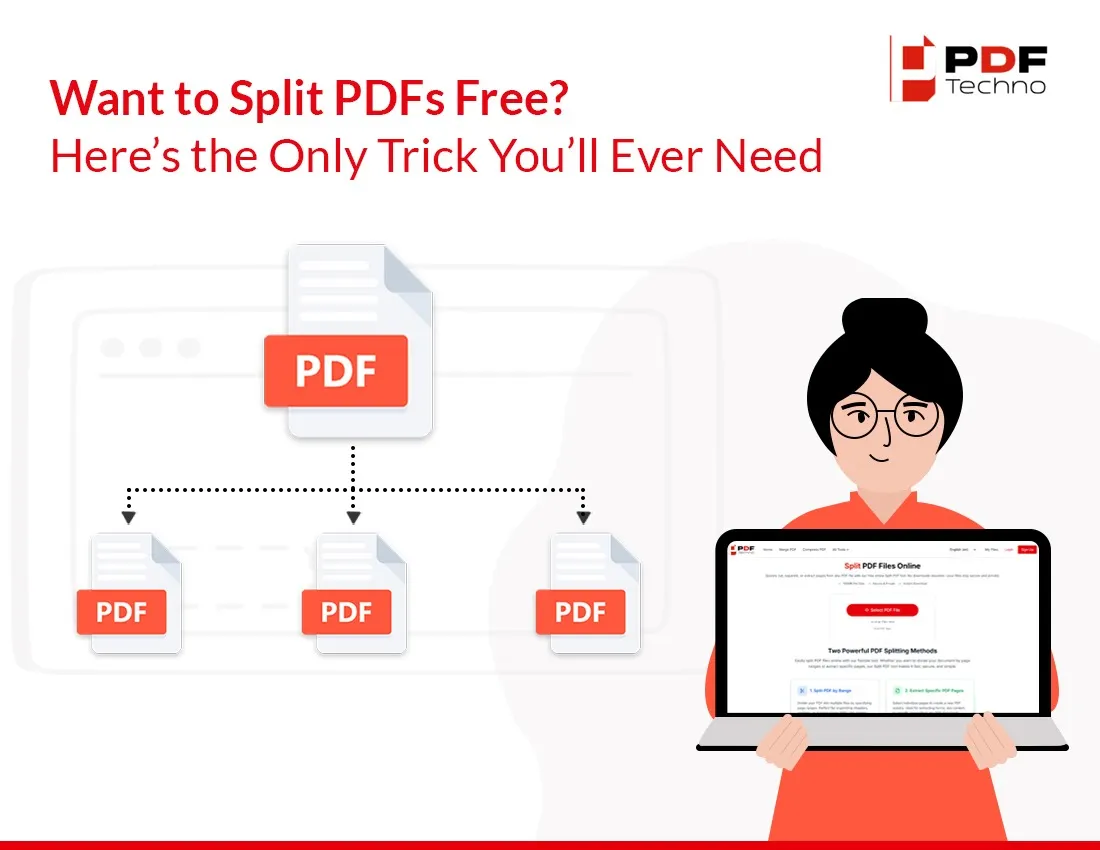
Splitting a large PDF into smaller files is a simple process when you use a dedicated PDF splitting tool. Instead of manually recreating documents, these tools allow you to divide the file by page ranges or extract specific pages.
By following a few steps, you can split large PDF files and create smaller documents that are easier to share and manage.
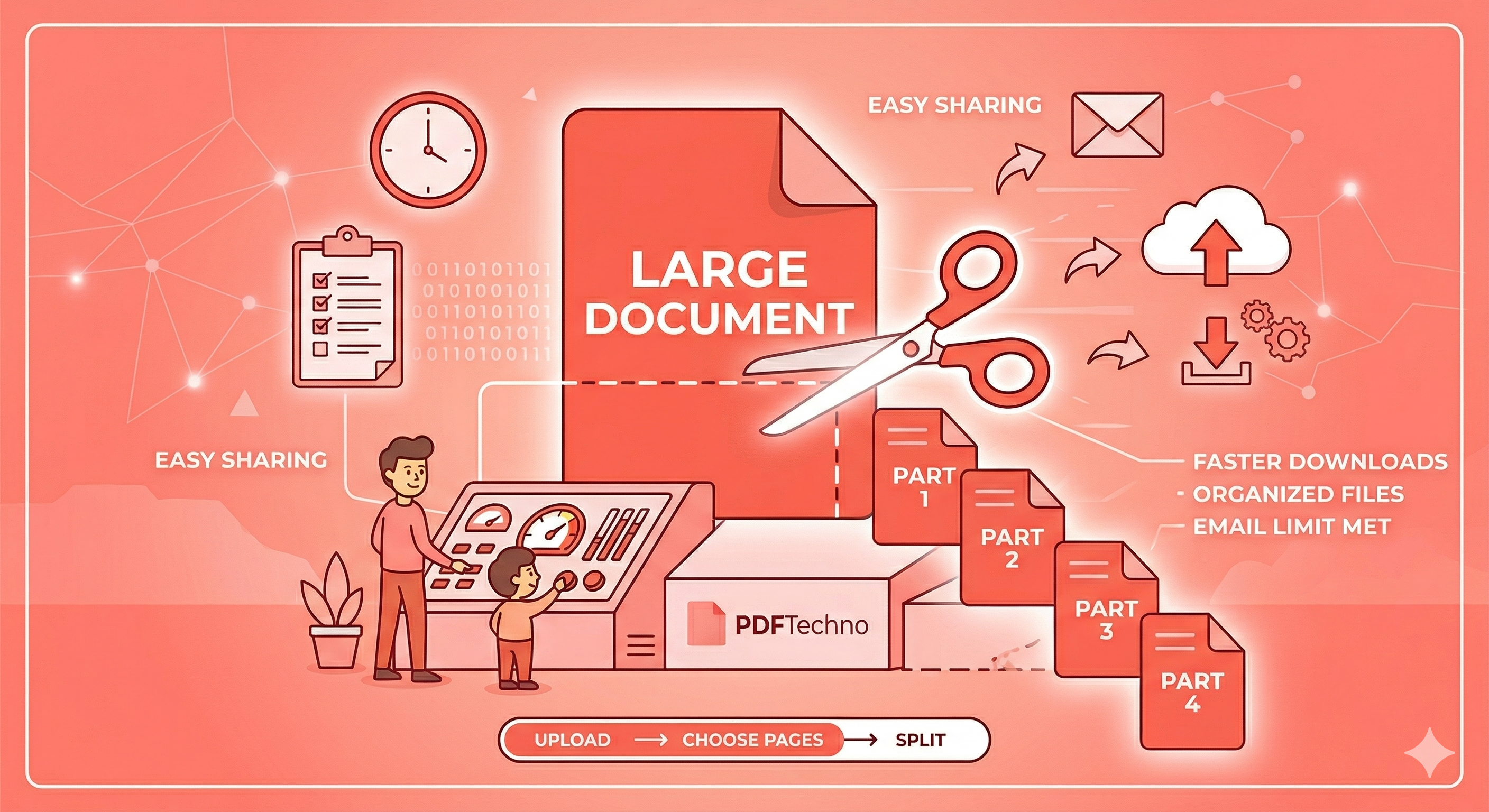
Step 1: Upload the PDF File
Start by selecting the large PDF document that you want to split. This could be a long report, presentation, manual, or any file that contains multiple pages.
Upload the file to a PDF splitting tool. Once the file is uploaded, the system scans the document and displays the pages that can be divided into separate sections.
Uploading the document is the first step in preparing to split PDF files into smaller parts.
Step 2: Choose Pages to Split
After uploading the file, you can select the pages or page ranges that you want to separate from the original document.
For example, you might want to extract pages 1–10 as one file and pages 11–20 as another. Some tools also allow you to split the document so that each page becomes its own individual PDF.
This step allows users to split large PDF files based on specific sections or page ranges.
Step 3: Create Separate PDF Files
Once the page ranges are selected, the tool processes the document and generates new PDF files for each selected section.
During this stage, the original document remains intact while the selected pages are copied into new files.
This process makes it easy to split PDF files and create smaller documents that are easier to share.
Step 4: Download the Split Files
After the splitting process is complete, the new PDF files are available for download.
Each file contains the selected pages from the original document, allowing you to share them individually. These smaller documents can now be attached to emails, uploaded to websites, or stored more efficiently.
By following these steps, users can easily split large PDF files for email sharing and online uploads.
Split PDF Files Easily with PDFTechno
While it is possible to split PDF files using various software tools, using a dedicated online platform makes the process faster and more convenient.
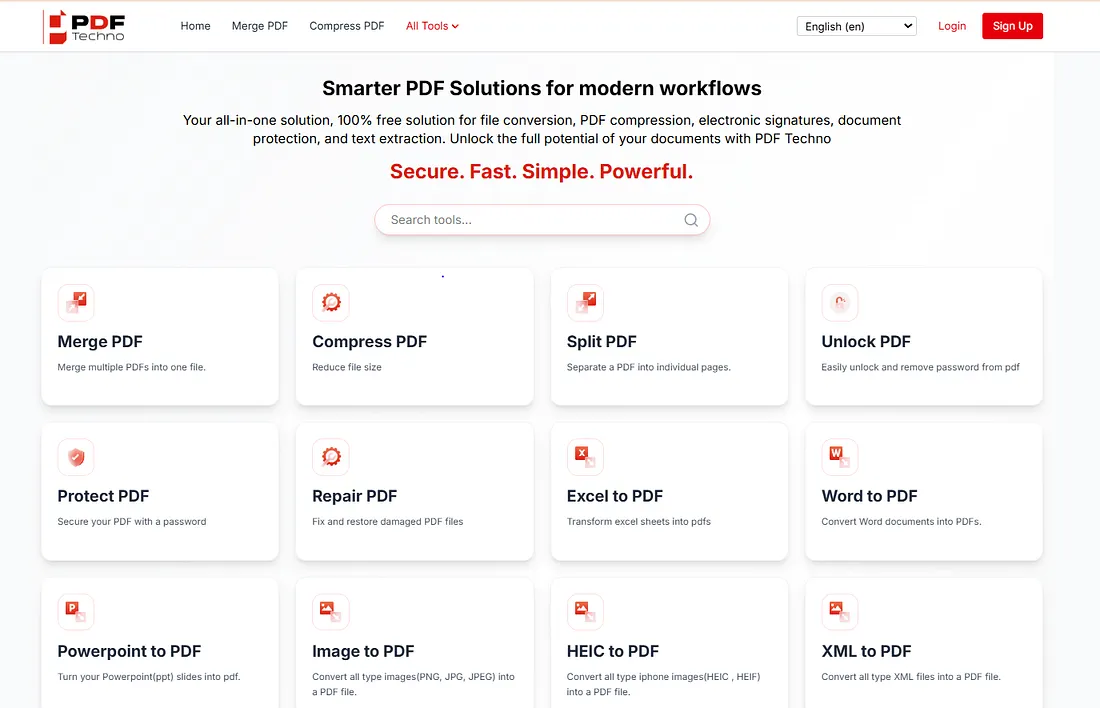
PDF Techno provides a simple way to split large PDF files without installing additional software. The platform allows users to upload a document, select pages, and generate smaller PDF files within seconds.
Why Use an Online PDF Splitter
Online PDF tools allow users to manage documents directly through a web browser. This means you can split files from any device without downloading or installing applications.
These tools are particularly helpful when users need to split PDF files quickly for email attachments, online submissions, or document sharing.
Using an online splitter also ensures that the process remains simple and accessible for users who work with PDFs regularly.
Split PDFs for Email and Sharing
With PDF Techno, users can upload large documents and split them into smaller files with just a few clicks.
The tool allows you to:
- Split large PDF files quickly
- Split PDF files into multiple smaller documents
- Split PDF for email attachments
- Manage large PDF file sharing more efficiently
This makes it easier to share long reports, presentations, or documents without exceeding file size limits.
By using a reliable tool like PDF Techno, users can simplify document management and ensure that large PDFs are easier to distribute and access.
Tips for Splitting PDF Files Efficiently
Splitting large PDF files is useful, but doing it efficiently ensures that the resulting documents remain organized and easy to share. By following a few simple practices, users can avoid confusion and manage their split files more effectively.
These tips help ensure that when you split PDF files, the resulting documents remain structured and easy to handle.
Split by Page Range
One of the most effective ways to divide a document is by using page ranges. Instead of splitting the file randomly, selecting logical sections such as chapters, reports, or topics makes the document easier to manage.
For example, a 100-page report could be divided into smaller sections based on chapters or subject areas. This approach helps users split large PDF files into meaningful segments that are easier to navigate.
Organizing files this way also improves document management and makes sharing more efficient.
Keep Important Sections Together
When splitting a document, it is important to ensure that related pages remain grouped together. Separating pages that belong to the same section may create confusion for recipients.
For example, if a document contains an introduction, charts, and conclusions related to the same topic, it is best to keep them within the same file.
Maintaining logical groupings helps improve large PDF file sharing and ensures that recipients receive complete sections of the document.
Compress Split Files if Needed
Even after splitting a large document, some sections may still be relatively large depending on the number of pages or embedded images.
In such cases, compressing the individual files can further reduce the size and make them easier to send. Compression tools can help optimize the files without significantly affecting document quality.
Combining splitting and compression allows users to split PDF for email while ensuring the files remain within attachment limits.
Common Situations Where You Need to Split PDFs
Splitting PDF files is useful in many everyday situations. Whether you are sharing documents with colleagues or submitting files online, dividing large PDFs into smaller sections can simplify the process.
Below are some common scenarios where people need to split large PDF files for easier sharing and document management.
Sending Documents by Email
Email platforms often limit the size of attachments that can be sent in a single message. If a PDF exceeds this limit, the email may fail to send.
Splitting the document into smaller sections allows users to split PDF for email and send each part separately. This ensures that the document reaches the recipient without exceeding attachment limits.
Uploading Files to Online Portals
Many websites require users to upload documents for applications, submissions, or registrations. These platforms often impose strict file size limits.
When a PDF is too large to upload, splitting it into smaller files can solve the problem. Users can split large PDF files into sections that meet upload requirements.
This method ensures that documents can be submitted successfully without reducing the quality of the content.
Sharing Specific Sections of Reports
Large reports and manuals may contain dozens or even hundreds of pages. However, recipients may only need a specific section of the document.
By splitting the file, users can share only the relevant pages instead of sending the entire document. This saves time for both the sender and the recipient.
Sharing smaller sections also improves large PDF file sharing by reducing unnecessary file transfers.
Conclusion
Large PDF documents can be difficult to share, especially when email attachment limits or website upload restrictions prevent the file from being sent directly. Instead of compressing the entire document or recreating it manually, a more practical solution is to divide the file into smaller sections.
By learning how to split large PDF files, users can create manageable documents that are easier to send, upload, and organize. Splitting a document allows you to share only the necessary pages while keeping the original file intact.
Tools designed for PDF management make this process quick and efficient. With platforms like PDF Techno, users can easily split PDF files into multiple smaller documents, select specific page ranges, and prepare files for email attachments or online submissions.
Using the right approach helps improve large PDF file sharing while ensuring that documents remain organized and accessible. By following the steps and tips outlined in this guide, you can quickly split large PDFs and make them easier to distribute and manage.
Frequently Asked Questions
How do I split a large PDF file?
To split a large PDF file, upload the document to a PDF splitting tool, choose the page ranges you want to separate, and generate new files containing those pages.
Can I split a PDF into multiple files?
Yes, many tools allow users to split a PDF into multiple files by selecting specific pages or dividing the document into equal sections.
How do I split a PDF for email?
You can split a PDF for email by dividing the document into smaller files that stay within the attachment size limit of your email provider.
What is the best way to split large PDF documents?
Using a dedicated PDF splitting tool is the easiest way to divide large documents into smaller sections without losing formatting.
Can I split PDFs online?
Yes, online PDF tools allow users to split PDF files directly through a web browser without installing additional software. These tools quickly generate smaller files from the original document.