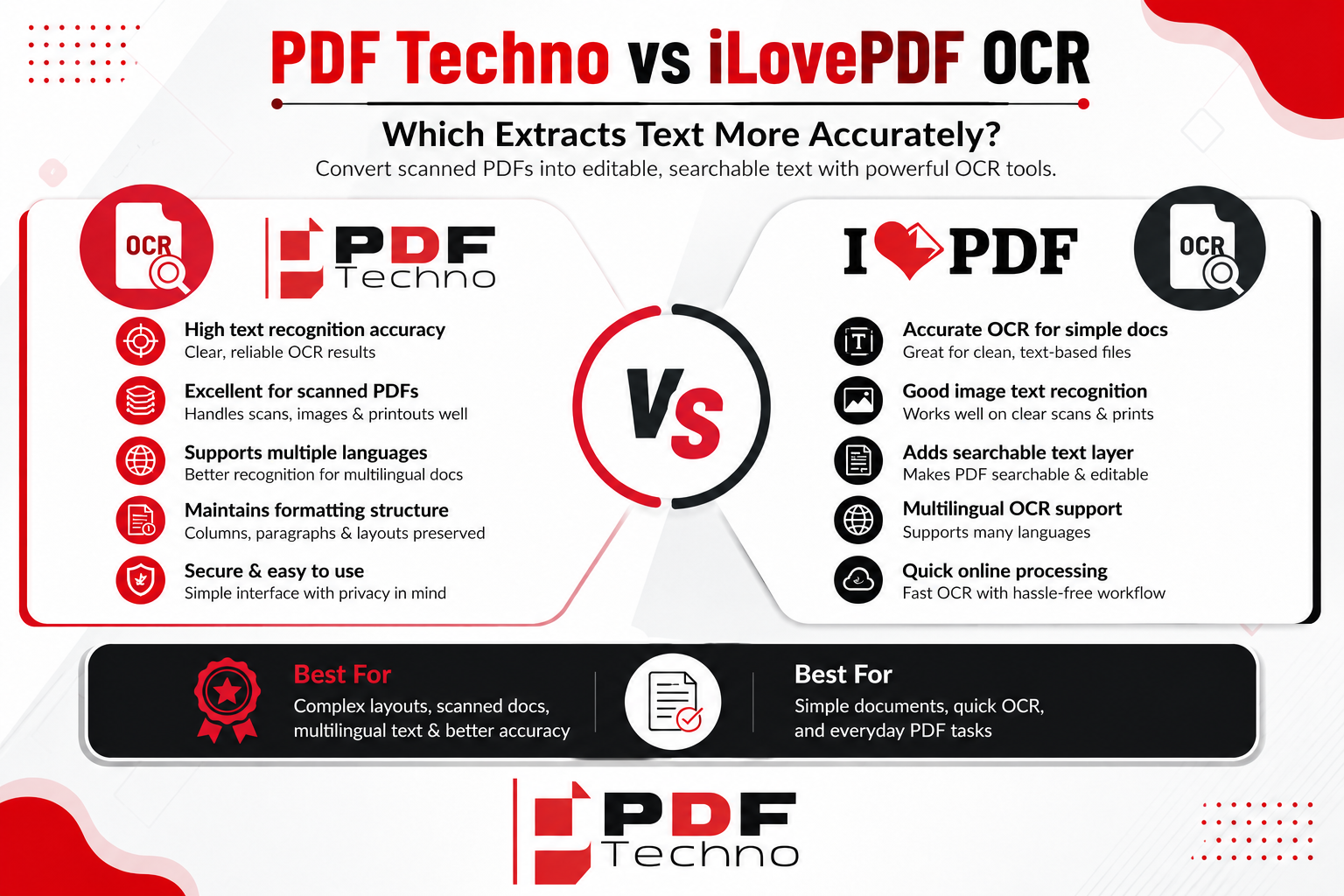
PDF Techno vs iLovePDF OCR: Which Extracts Text More Accurately?
Scanned documents are everywhere. From old records and handwritten notes to certificates, invoices, books, and printed forms, many documents are stored as PDFs even though their text cannot be selected or searched. This happens because a scanned PDF often contains pages as images rather than actual digital text. If you want to edit, search, copy, or reuse the information inside such a document, you need OCR, or Optical Character Recognition.
OCR technology converts text visible inside an image or scanned document into machine-readable text. However, not every OCR tool produces the same results. Accuracy can vary depending on the document quality, font, language, layout, image resolution, and the OCR technology being used.
Two online PDF platforms that provide OCR-related functionality are PDF Techno and iLovePDF. Both can help users process PDF documents and extract text from scanned files. But when the priority is text accuracy, which one should you choose?
This comparison looks at PDF Techno vs iLovePDF OCR, focusing on text recognition, scanned documents, formatting, multilingual content, ease of use, and practical use cases.
What Is OCR and Why Does It Matter?
OCR stands for Optical Character Recognition. It is a technology that identifies characters in images and converts them into digital text.
Imagine you scan a printed page and save it as a PDF. You can see all the words on the page, but you cannot select any of them with your mouse. The computer sees the page primarily as an image rather than a collection of characters.
OCR analyzes that image and attempts to recognize the letters, numbers, words, and other text elements. After processing, the document can become searchable or its text can be extracted for further use.
OCR is useful for many situations. Students can use it to work with scanned study material, businesses can process invoices and forms, and organizations can digitize older paper records. It can also make archived documents easier to search without manually typing their contents.
The biggest challenge is accuracy. If an OCR tool incorrectly recognizes words or numbers, users may have to spend additional time correcting the extracted text.
PDF Techno OCR
PDF Techno provides OCR functionality for working with scanned PDF documents. Its online approach is designed to allow users to process documents through a browser rather than depending on specialized desktop software.
The general workflow is straightforward: upload the scanned PDF, allow the OCR tool to process the document, and obtain the resulting text-enabled document or extracted content, depending on the tool's workflow.
This can be useful when dealing with documents that contain printed text but do not have a searchable text layer.
PDF Techno can be particularly helpful for everyday document digitization tasks where users want to make scanned PDFs more accessible and searchable.
For example, a student may have lecture notes that were scanned into PDF format. Instead of manually typing the notes, OCR can recognize the printed content and make it easier to search or reuse.
iLovePDF OCR
iLovePDF also provides OCR functionality designed to recognize text in scanned PDF documents. Its OCR workflow is intended to make image-based PDFs more useful by adding a searchable text layer.
Like PDF Techno, iLovePDF allows users to work with documents online. This makes it convenient for people who do not want to install dedicated OCR software.
iLovePDF's broader collection of PDF tools also means users can continue working with a document after OCR processing. For example, they may need to compress, merge, convert, or organize the resulting PDF.
For users already familiar with iLovePDF, having OCR alongside its other PDF utilities can make document processing more convenient.
PDF Techno vs iLovePDF: Text Recognition Accuracy
Accuracy is the most important factor in an OCR comparison.
However, it would be misleading to say that one OCR tool will always be more accurate than another. OCR accuracy depends heavily on the source document.
A clean, high-resolution scan with clear printed text can produce excellent results with many OCR systems. A blurry photograph of an old document can produce errors regardless of which platform is used.
PDF Techno's OCR can recognize printed text from scanned documents and make it searchable or usable as digital text. iLovePDF similarly provides OCR functionality for scanned PDFs.
When comparing the two, users should pay attention to common OCR errors such as confusing O with 0, I with 1, or S with 5. Numbers in invoices, dates, addresses, and identification documents deserve particular attention because a single incorrect character can change the meaning.
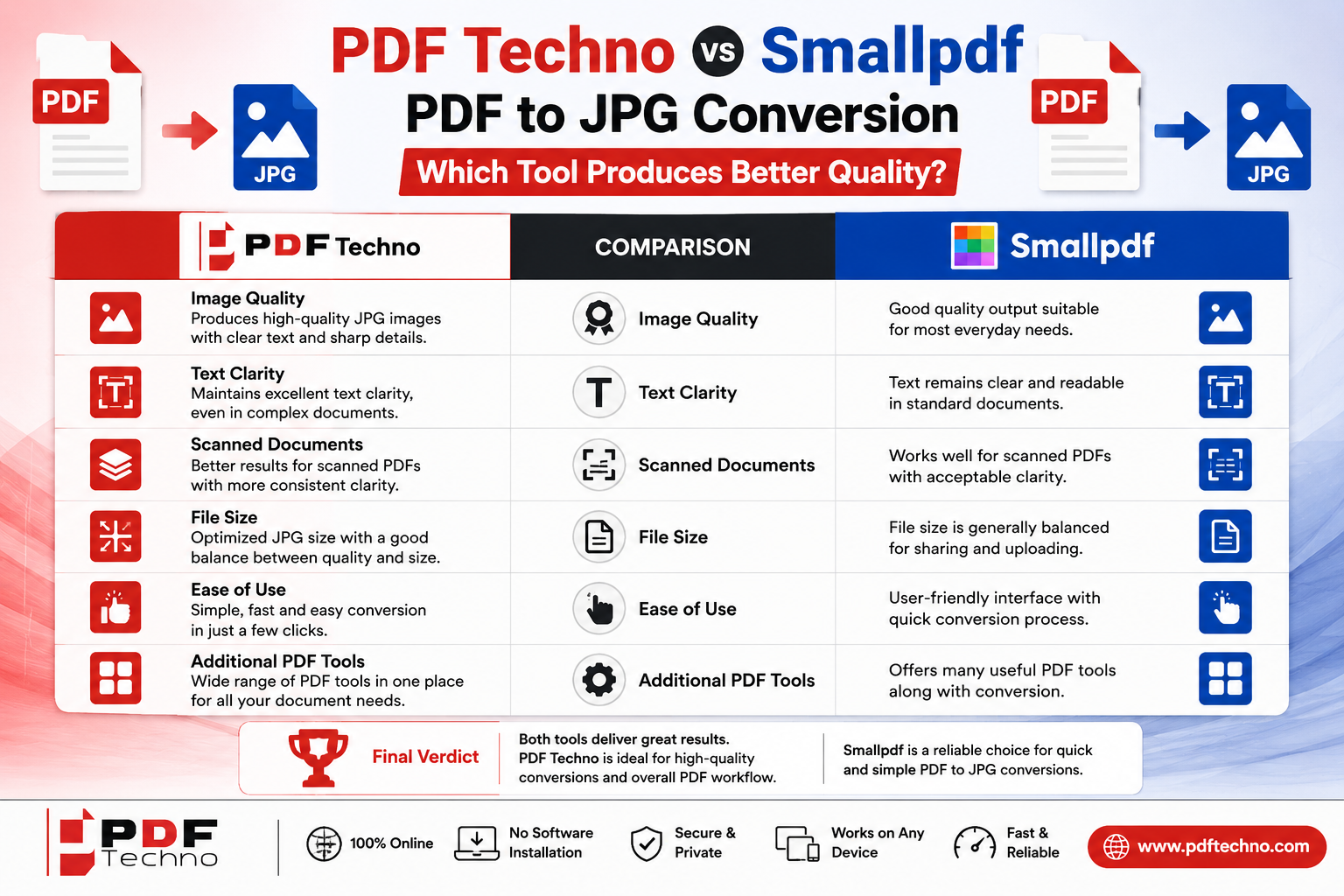
Winner: Depends on the document. Neither platform should automatically be considered more accurate for every type of PDF. The best way to determine which performs better for your particular documents is to test the same sample file with both.
OCR Accuracy for Clear Printed Documents
Clear printed documents are generally the easiest type of material for OCR software to recognize.
If the PDF contains sharp text, consistent spacing, standard fonts, and good contrast between the text and background, both PDF Techno and iLovePDF can be useful for extracting the content.
For example, a digitally printed invoice that was scanned at a good resolution should generally be much easier for OCR to process than a faded photocopy.
In this situation, differences between tools may be less noticeable because the source material itself is already easy to recognize.
For users processing large numbers of clean business documents, workflow speed and convenience may therefore matter as much as small differences in recognition accuracy.
OCR for Low-Quality Scans
Low-quality scans are much more challenging.
Documents may contain faded text, shadows, stains, skewed pages, uneven lighting, or compression artifacts. Old books and photocopies can be especially difficult because characters may not have clear boundaries.
Both PDF Techno and iLovePDF can be used for scanned documents, but the quality of the input remains critical.
If the source PDF is difficult for a human to read, OCR accuracy will naturally decrease. Before blaming the OCR tool, it is worth checking whether the original document can be improved by scanning it again at a higher resolution or correcting its orientation.
For important documents, always compare the OCR output with the original scan rather than assuming every recognized word is correct.
OCR for Different Fonts and Layouts
Documents do not always contain simple paragraphs.
Some PDFs have multiple columns, tables, headings, footnotes, text boxes, or unusual fonts. These layouts can make OCR more complicated because the system needs to recognize not only individual characters but also how different parts of the page are arranged.
PDF Techno's OCR can help convert scanned content into machine-readable text, while iLovePDF provides a similar workflow for making scanned PDFs searchable.
However, users should pay particular attention to complex layouts. Even when the words themselves are recognized correctly, the order or placement of extracted text may not perfectly match the original page.
This matters when converting newspapers, magazines, forms, reports, or documents containing tables.
OCR for Multilingual Documents
Language is another important factor when comparing OCR tools.
A document may contain English, Hindi, Spanish, French, German, or a combination of multiple languages. Recognition accuracy can change depending on whether the OCR system supports the language and script used in the document.
PDF Techno offers PDF-related tools designed for users working with documents across different languages. iLovePDF also provides OCR functionality for scanned documents.
If multilingual OCR is important to you, check the currently supported OCR languages of each platform before processing a large collection of documents. A tool may perform very well with English but produce different results with another language or script.
This is particularly important for users working with academic, government, or business documents containing multiple languages.
Tables and Structured Information
OCR becomes more complicated when a document contains tables.
A human can easily understand that information is arranged into rows and columns. OCR software needs to identify that structure and determine which text belongs to which cell.
For example, consider an invoice containing product names, quantities, prices, taxes, and totals. Recognizing the words is only part of the challenge. Preserving the relationship between the numbers and their corresponding fields is equally important.
Both PDF Techno and iLovePDF can be useful for processing scanned PDF documents, but users working with complex tables should carefully inspect the output.
If the extracted text will be used for accounting, spreadsheets, or data analysis, manual verification is strongly recommended.
Ease of Use
OCR can sound complicated, but online tools have made the process much easier.
PDF Techno provides a browser-based workflow, meaning users can access its PDF tools without needing specialized OCR software. This can be convenient for students, freelancers, office workers, and other users who only occasionally need OCR.
iLovePDF follows a similar approach and integrates OCR into its larger collection of PDF tools.
Both platforms are designed to reduce the technical knowledge required to process scanned PDFs.
Winner: Tie. For basic OCR tasks, both provide an accessible online workflow.
Processing Scanned PDFs in Everyday Workflows
OCR is rarely an isolated task. Users often need to perform several operations on the same document.
For example, you may receive a large scanned PDF, run OCR on it, compress the resulting file, extract specific pages, and finally convert it into another format.
PDF Techno provides a collection of PDF utilities that can be useful for this type of workflow. Instead of using one website for OCR and another for other PDF tasks, users can access multiple document tools through the same platform.
iLovePDF follows the same broader toolkit approach.
This means that the better option may depend not only on OCR accuracy but also on what you need to do with the document afterward.
Privacy and Sensitive Documents
OCR often involves uploading documents that may contain sensitive information. These can include identity documents, financial records, contracts, medical paperwork, invoices, or confidential business information.
Before uploading such files to any online OCR service, users should review the platform's current privacy policy and understand how uploaded files are processed and handled.
For highly sensitive documents, organizations may prefer OCR solutions that allow processing within their own controlled environment.
For ordinary documents, online OCR tools can be extremely convenient. But convenience should not come at the expense of understanding how your data is handled.
PDF Techno vs iLovePDF OCR: Which Is Better?
If you need a simple online solution for making scanned PDFs searchable, both PDF Techno and iLovePDF are worth considering.
PDF Techno can be a good option for users who want OCR alongside a broad collection of PDF utilities. Its browser-based approach makes it convenient for everyday document processing.
iLovePDF is also useful for users who want OCR combined with other common PDF functions. Its familiar online workflow can be convenient for people already using the platform for document management.
When it comes specifically to accuracy, there is no fair way to declare one tool the universal winner without testing identical documents under identical conditions. OCR performance can change dramatically depending on scan quality, font, language, layout, and document complexity.
How to Get Better OCR Results
Regardless of which tool you choose, the quality of the original document has a major impact on OCR results.
Start with the clearest scan available. Higher-resolution documents generally provide OCR systems with more information to work with. Make sure pages are straight and properly oriented, and avoid unnecessarily compressed images.
Documents with strong contrast between text and background are also easier to recognize. If possible, remove shadows, stains, or other visual distractions before scanning.
After OCR processing, always review important information. Names, dates, addresses, account numbers, prices, and other numerical information should receive particular attention because even a single recognition error can change the meaning.
Final Verdict
So, PDF Techno vs iLovePDF OCR: which extracts text more accurately?
Both platforms provide useful OCR capabilities for converting scanned PDFs into searchable and more usable documents. PDF Techno is a convenient option for users looking for OCR alongside a broader collection of PDF tools, while iLovePDF provides OCR as part of its established online PDF workflow.
However, OCR accuracy cannot be judged by the platform name alone. The quality of the original scan, font, language, layout, image resolution, and document complexity can all influence the result.
For a clean, high-quality printed document, both tools may provide satisfactory results. For complex documents, tables, unusual fonts, multilingual content, or low-quality scans, users should test the same document with both services and carefully review the output.
Ultimately, the best OCR tool is the one that accurately recognizes your particular documents while fitting naturally into the rest of your PDF workflow. For users who want an accessible online OCR solution together with other PDF utilities, PDF Techno is a practical option to consider alongside iLovePDF.
FAQs
What is OCR in a PDF?
OCR stands for Optical Character Recognition. It identifies text within scanned images and converts it into machine-readable text, allowing the content to become searchable or easier to reuse.
Is PDF Techno OCR better than iLovePDF OCR?
Neither can be considered universally better. OCR accuracy depends heavily on the quality, language, font, and layout of the source document.
Can OCR recognize scanned PDFs?
Yes. OCR is specifically useful for scanned PDFs where the text exists as an image rather than as selectable digital text.
Does OCR work with tables?
OCR can recognize text within tables, but complex table structures may not always be preserved perfectly. Important data should be checked after processing.
Which PDF is best for OCR?
A clear, high-resolution scan with straight pages, good contrast, and readable text generally provides better OCR results.
Can OCR recognize different languages?
Many OCR tools support multiple languages, but available languages and accuracy can vary. Always check the current language support of the specific tool before processing multilingual documents.
Should I check OCR results manually?
Yes. Always review important information such as names, dates, numbers, addresses, prices, and account details after OCR processing.
Can I use PDF Techno for other PDF tasks after OCR?
Yes. PDF Techno provides a range of PDF utilities, allowing users to perform other document-related tasks alongside OCR.