PDF to TIFF Explained: Why This Old Format Still Powers Modern Workflows
Introduction
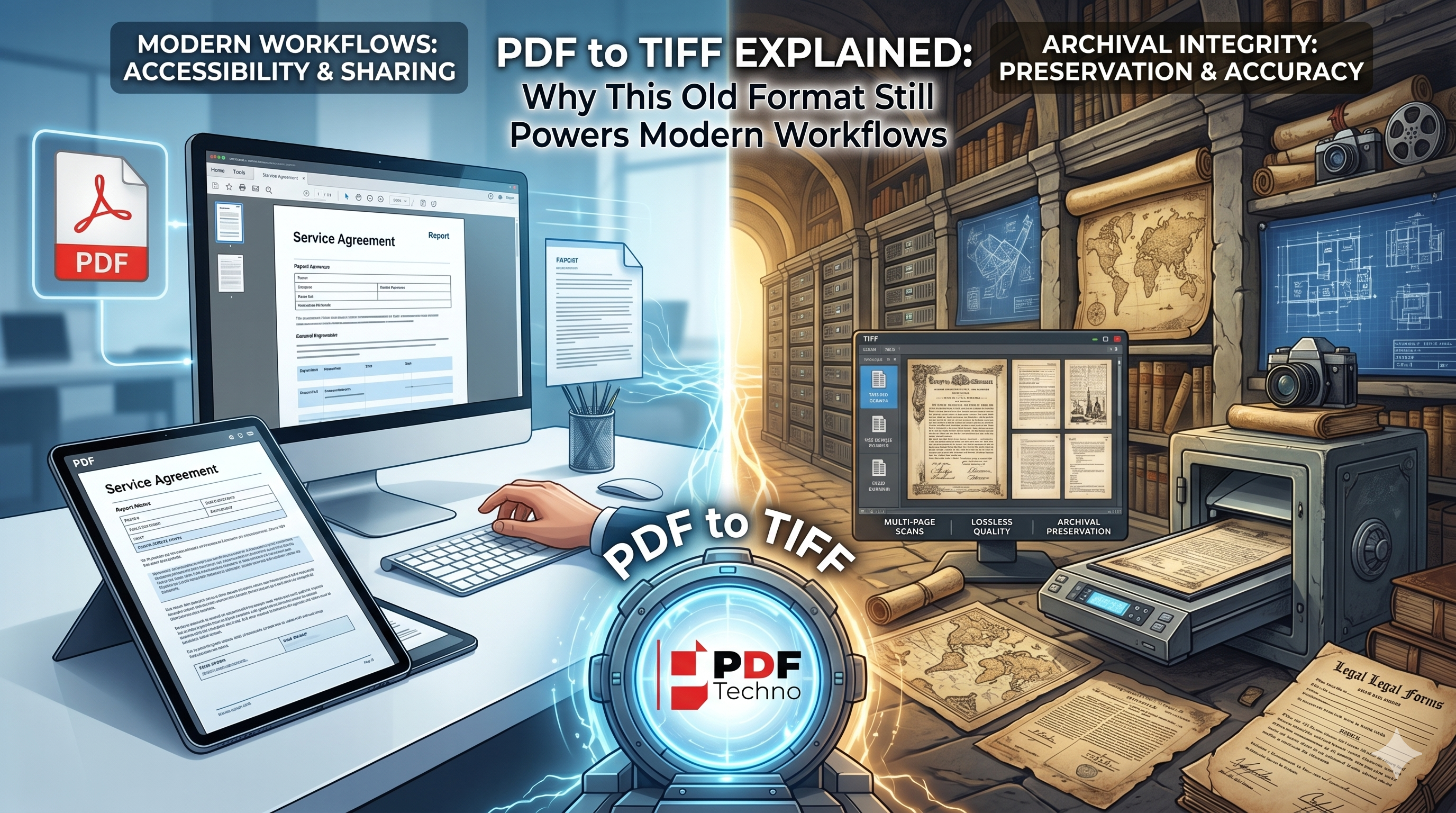
When most people think about digital documents, PDF is usually the first format that comes to mind. It's easy to share, widely supported, and works across almost every device. However, there's another file format that continues to play a critical role in industries where document quality, preservation, and accuracy matter most: TIFF.
At first glance, TIFF may seem like an outdated technology. After all, the format has been around for decades. Yet government agencies, healthcare providers, legal firms, libraries, and businesses still rely on TIFF files every day.
At PDF Techno, we believe that choosing the right file format is just as important as choosing the right tool, which is why understanding the PDF to TIFF conversion tool by PDFTechno remains relevant for many modern workflows.
What Is a TIFF File?
TIFF (Tagged Image File Format) is a high-quality image format designed to store detailed visual information without significant loss of quality.
Unlike standard image formats that prioritize smaller file sizes, TIFF focuses on preserving image integrity. This makes it ideal for scanned documents, archival records, engineering drawings, medical images, and other files where every detail matters.
A TIFF file can contain:
- High-resolution images
- Multi-page document scans
- Detailed graphics
- Black-and-white, grayscale, or color images
- Metadata for document management systems
Because of its flexibility and image quality, TIFF remains a trusted format for professional document imaging.
What Is a PDF File?
A PDF (Portable Document Format) is a widely used file format developed to present and share documents consistently across different devices and operating systems. Unlike editable document formats, a PDF preserves the original layout, fonts, images, and formatting of a file, ensuring that it appears the same to every user. PDFs are commonly used for reports, contracts, invoices, e-books, forms, presentations, and academic documents because they are easy to view, print, and share. Their compatibility, security features, and ability to combine text, images, and interactive elements into a single file have made PDFs one of the most trusted formats for both personal and professional document management.
Why Do Organizations Still Prefer TIFF instead of PDF?
Many industries continue converting PDFs to TIFF because they require image-based records that remain accurate and reliable over time.
1. Long-Term Document Archiving
Archives often need documents to remain accessible for years or even decades. TIFF's lossless quality helps preserve every detail of a scanned document, making it a dependable format for long-term storage.
2. Legal and Compliance Requirements
Legal firms and government departments frequently work with records that must remain unchanged. TIFF files provide a stable image representation of documents, reducing concerns about formatting changes or editable content.
3. Medical Imaging and Healthcare Records
Hospitals and healthcare providers often manage large volumes of scanned forms and medical documentation. TIFF's ability to maintain image quality makes it suitable for preserving critical records where accuracy is essential.
4. Document Management Systems
Many enterprise document management systems were built around TIFF-based workflows. As a result, organizations often convert PDFs into TIFF files to integrate with existing systems and maintain consistency.
5. High-Quality Scanning Projects
Businesses involved in digitization projects frequently choose TIFF because it captures scanned documents with exceptional clarity. This becomes particularly important when processing historical records, contracts, blueprints, or handwritten documents.
How to Convert PDF to TIFF with PDF Techno
Converting a PDF to TIFF with PDF Techno takes just a few simple steps:
- Open the PDF to TIFF Converter on PDF Techno.
- Click the Upload button and select the PDF file you want to convert.
- Wait for the file to upload and be processed by the tool.
- Choose TIFF as the output format.
- Click the Convert button to start the conversion process.
- Allow the tool to complete the conversion while maintaining document quality.
- Download your TIFF file once the conversion is finished.
- Save or share the converted file for archiving, document management, printing, or professional imaging purposes.
Final Thoughts
Despite being one of the oldest document imaging formats still in use today, TIFF continues to power many modern workflows. Its ability to preserve image quality, support archival requirements, and integrate with professional document management systems ensures that it remains relevant even in an increasingly digital world.
While PDFs dominate document sharing and collaboration, TIFF continues to serve as the backbone of industries where accuracy, preservation, and reliability are non-negotiable. Understanding when to use each format can help organizations build more efficient and future-ready document workflows.
Frequently Asked Questions
1. Is TIFF better than PDF?
Not necessarily. TIFF and PDF serve different purposes. PDF is better for sharing and accessibility, while TIFF excels in archival and imaging workflows.
2. Does converting PDF to TIFF improve quality?
Conversion does not add new detail, but TIFF can help preserve the existing quality of a document during storage and processing.
3. Can TIFF files contain multiple pages?
Yes. TIFF supports multi-page documents, making it useful for scanned records and document archives.
4. Why do businesses still use TIFF?
Many businesses rely on TIFF because of its reliability, image quality, and compatibility with professional document management systems.
5. Is PDF to TIFF conversion free with PDF Techno?
PDF Techno offers an easy-to-use PDF to TIFF conversion tool.