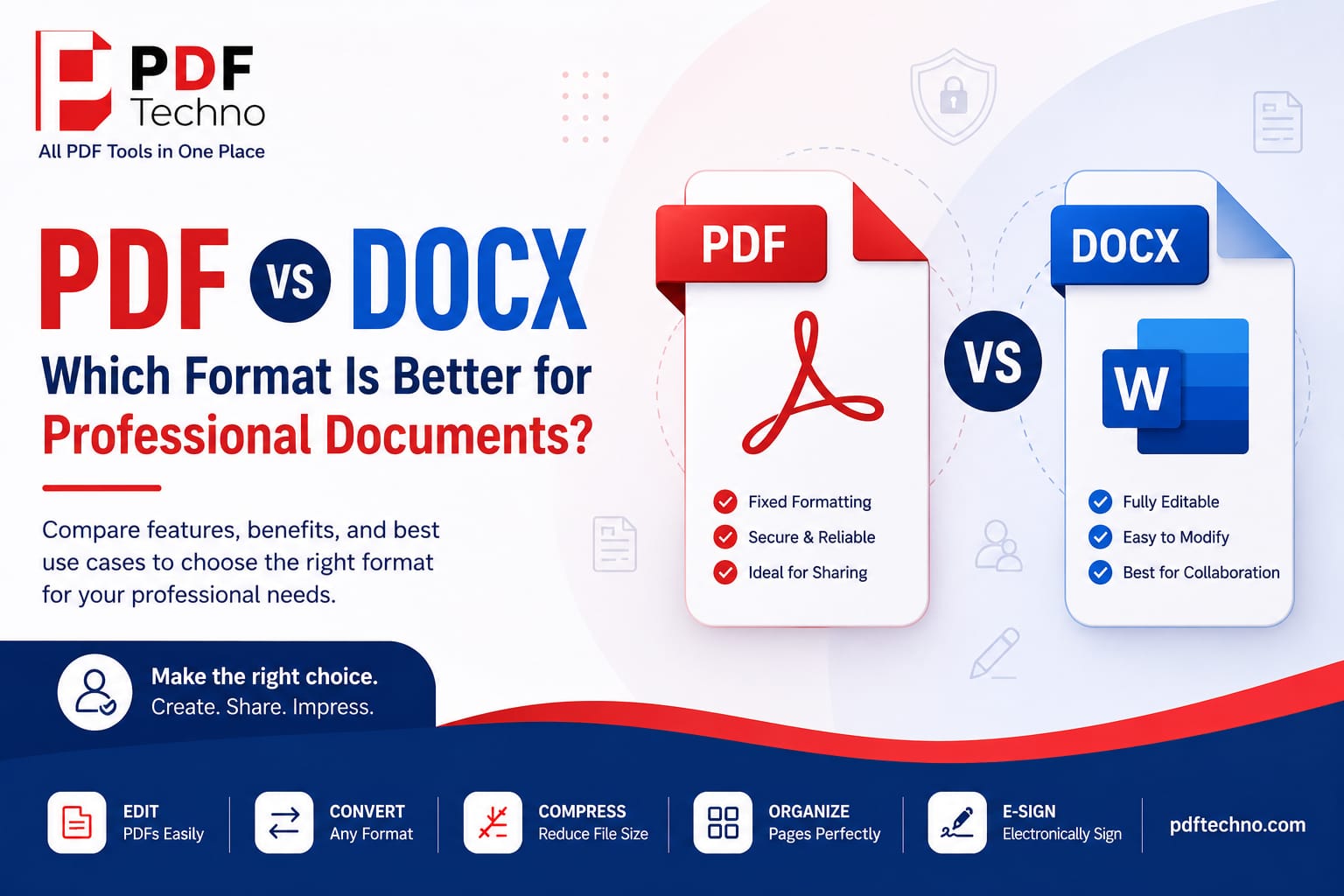
PDF vs DOCX: Which Format Is Better for Professional Documents?
Introduction
In today's digital workplace, choosing the right file format is just as important as creating high-quality content. Whether you're sending a resume, preparing a business proposal, sharing legal contracts, or submitting academic assignments, the format you choose can affect how your document is viewed, edited, and received.
The two most commonly used document formats are PDF (Portable Document Format) and DOCX (Microsoft Word Document). While both are widely accepted, they serve different purposes. A DOCX file is ideal for creating and editing content, whereas a PDF is designed to preserve formatting and provide a professional, consistent viewing experience across all devices.
Understanding when to use each format can help you avoid formatting issues, improve collaboration, and ensure your documents look exactly as intended. In this guide, we'll compare PDF and DOCX in detail, discuss their strengths and limitations, and help you decide which format is best for different professional situations. We'll also explore how PDF Techno can simplify your PDF workflow with easy-to-use online tools.
What Is a PDF?
A PDF (Portable Document Format) is a file format developed to preserve the layout, fonts, images, and formatting of a document regardless of the device or operating system being used. Whether someone opens the file on Windows, macOS, Android, or iPhone, the document will appear exactly the same.
PDFs are commonly used for:
- Business reports
- Contracts
- Invoices
- Legal documents
- User manuals
- Brochures
- Academic papers
- Resumes
Since the formatting remains unchanged, PDFs are considered the professional standard for document sharing.
What Is a DOCX?
A DOCX file is the default document format used by Microsoft Word. It is designed primarily for creating, editing, and collaborating on documents.
DOCX files allow users to:
- Edit text
- Change formatting
- Insert images
- Add tables
- Track changes
- Leave comments
- Collaborate with multiple users
Because DOCX files are editable, they are commonly used during the drafting stage of a document.
When Should You Use PDF?
PDF is the best choice whenever the final appearance of your document matters.
Use PDF for:
- Job Applications — Most recruiters prefer resumes in PDF because formatting stays intact.
- Contracts — Contracts should never lose formatting or page alignment.
- Business Reports — Professional reports look consistent across all devices.
- Legal Documents — Legal paperwork requires precise formatting and secure sharing.
- Client Proposals — Clients receive the exact document you created without layout changes.
- Certificates — Certificates maintain their design and print quality.
When Should You Use DOCX?
DOCX works best when the document is still being created or edited.
Ideal situations include:
- Writing blog articles
- Drafting reports
- Team collaboration
- Editing resumes
- Creating templates
- Collecting feedback
- Track Changes workflow
DOCX is intended for work in progress rather than final distribution.
Advantages of PDF
1. Consistent Formatting One of PDF's biggest strengths is consistency. Fonts, spacing, margins, and images remain exactly the same regardless of where the file is opened.
2. Better Security PDF files can include:
- Password protection
- Encryption
- Permission controls
- Copy restrictions
- Print restrictions
This makes PDFs suitable for confidential documents.
3. Professional Appearance Businesses, universities, and government organizations often expect documents in PDF format because they look polished and reliable.
4. Supports Electronic Signatures Many organizations use electronic signatures for agreements and approvals. With PDF Techno, users can electronically sign PDF documents quickly and securely without printing or scanning.
5. Easy Printing PDF files preserve page size and layout, making them ideal for printing brochures, forms, reports, and certificates.
Advantages of DOCX
1. Easy Editing Text, images, headings, and tables can all be edited within seconds.
2. Team Collaboration Multiple people can review and edit the same DOCX file using comments and Track Changes.
3. Flexible Formatting Users can easily redesign layouts during document creation.
4. Better for Drafts If your document is still evolving, DOCX offers the flexibility you need.
Limitations of DOCX
DOCX also has several disadvantages:
- Formatting may change across devices.
- Fonts may not display correctly.
- Documents can look different after emailing.
- Easy editing increases the risk of accidental changes.
- Less secure than PDF.
PDF vs DOCX for Different Professionals
- Students — Best choice: DOCX while writing assignments, PDF before submission.
- HR Teams — Best choice: PDF. Offer letters, employee forms, and signed documents should be shared as PDFs.
- Lawyers — Best choice: PDF. Legal formatting must remain unchanged.
- Businesses — Best choice: PDF. Reports, invoices, brochures, and proposals appear more professional.
- Content Writers — Best choice: DOCX. Articles require continuous editing before publication.
Why Recruiters Prefer PDF Resumes?
Many recruiters specifically request PDF resumes because:
- Formatting stays intact.
- Fonts remain consistent.
- Images don't move.
- Professional appearance.
- Easy to print.
- Compatible with most devices.
Unless an employer specifically requests DOCX, PDF is generally the safer option.
Can You Convert DOCX to PDF?
Converting a Word document into PDF is one of the most common document tasks.
With PDF Techno, users can quickly convert DOCX files into professional-quality PDFs while preserving fonts, images, tables, and formatting. The browser-based platform also offers additional tools to edit, merge, split, compress, organize, and electronically sign PDF documents — all without installing software.
Final Verdict
Both PDF and DOCX play important roles in modern document management, but they are designed for different stages of a document's lifecycle.
Choose DOCX when you need to write, edit, or collaborate with others. It offers flexibility, making it perfect for drafts and ongoing work.
Choose PDF when your document is finalized and ready to be shared. PDFs preserve formatting, provide better security, support electronic signatures, and deliver a polished, professional appearance across all devices.
The ideal workflow is simple: create and edit your document in DOCX, then convert it to PDF before sharing. With PDF Techno, you can easily convert, edit, organize, compress, and electronically sign PDF files online, ensuring your professional documents are secure, consistent, and ready to share.
Frequently Asked Questions (FAQs)
1. Which is better for sharing documents? PDF is better because it preserves formatting on all devices.
2. When should I use a DOCX file? Use DOCX when you need to edit or collaborate on a document.
3. Can I convert DOCX to PDF? Yes, you can easily convert DOCX to PDF using PDF Techno.
4. Is PDF more secure than DOCX? Yes, PDF supports password protection and electronic signatures.
5. Can I edit a PDF after saving it? Yes, with PDF Techno's online PDF editing tools.