
Convertir TXT a PDF en línea: gratis y fácil
Convierta fácilmente TXT a PDF con la herramienta en línea simple y flexible de PDF Techno. Transforme archivos de texto plano en PDFs limpios y con formato profesional en segundos. Ya sea que suba un archivo existente o comience desde cero, esta solución gratuita de txt a pdf le da control total sobre el formato y el diseño.
Suelte los archivos PDF aquí
Suelte para añadir archivos
Dos formas eficaces de crear PDFs
Elija el método que mejor se adapte a su flujo de trabajo
Subir archivo de texto
¿Ya tiene un archivo .txt? Súbalo y convierta txt a pdf al instante. La herramienta analiza su contenido con precisión y lo transforma en un PDF pulido conservando la estructura original del texto.
Crear nuevo documento
Cree un PDF desde cero con nuestro editor de texto enriquecido integrado. Mientras escribe, puede dar formato al contenido y previsualizar cómo se verá su PDF en tiempo real.
Máxima flexibilidad
Ya sea que suba un archivo existente o cree contenido nuevo, esta herramienta de TXT a PDF se adapta a su flujo de trabajo. Obtiene formato profesional, vistas previas en tiempo real y generación instantánea de PDF en todo momento.
Funciones de formato de texto enriquecido
Transforme texto plano en PDFs profesionales con opciones de formato avanzadas
Estilo de texto
Aplique un estilo limpio y legible al convertir txt a pdf gratis
Alineación de texto
Controle cómo aparece su texto en la página después de la conversión
Colores y resaltados
Añada énfasis visual a sus PDFs
Personalización profesional de página
Ajuste cada aspecto del diseño de su PDF para obtener resultados limpios y profesionales al convertir TXT a PDF.
Opciones de tamaño de página
Elija el formato de página perfecto según cómo se compartirá o imprimirá su documento.
Márgenes personalizados
Ajuste los márgenes con precisión para controlar el espacio en blanco y la legibilidad.
Interlineado
Mejore la legibilidad y la estructura con controles de espaciado flexibles.
Cómo convertir TXT a PDF en línea
Cree PDFs profesionales a partir de archivos de texto en cuatro sencillos pasos con nuestra herramienta de TXT a PDF.
Paso 1: Elija el método
Suba un archivo .txt existente o inicie un nuevo documento desde cero en el editor.
Paso 2: Dé formato al texto
Use el editor de texto enriquecido para aplicar fuentes, estilos, colores y estructura antes de convertir txt a pdf.
Paso 3: Personalice el diseño
Ajuste el tamaño de página, los márgenes y el interlineado según sus necesidades de formato.
Paso 4: Convierta y descargue
Haga clic en convertir para generar su PDF al instante y descargarlo en su dispositivo.
Perfecto para cualquier caso de uso
Desde notas personales hasta documentos profesionales, convierta txt a pdf gratis para cualquier propósito.
Notas de reuniones
Convierta notas de texto plano en PDFs estructurados y fáciles de compartir con un formato limpio.
Informes y ensayos
Cree informes pulidos con márgenes, espaciado y alineación de texto adecuados.
Manuscritos y borradores
Transforme borradores en PDFs con formato, listos para revisión, comentarios o envío.
Documentación técnica
Cree documentos técnicos con listas, secciones estructuradas y formato consistente.
¿Por qué elegir nuestro convertidor de TXT a PDF?
Funciones potentes diseñadas para facilitar la creación de documentos.
Editor de texto enriquecido
Un editor completo con fuentes, colores, alineación y herramientas de formato que le ayudan a convertir txt a pdf de forma profesional.
Vista previa de página en vivo
Vea exactamente cómo se verá su PDF antes de la conversión con una vista previa precisa del diseño en tiempo real.
Personalización completa
Controle el tamaño de página, los márgenes, el espaciado, las fuentes y el diseño en un solo lugar.
Múltiples formatos de página
La compatibilidad con A4, Carta y Legal garantiza que cumpla con todos los requisitos estándar de documentos.
Salida de alta calidad
Genere PDFs limpios y nítidos que conservan el formato, las fuentes y los colores a la perfección.
Conversión instantánea
El procesamiento rápido garantiza que sus archivos de TXT a PDF estén listos en segundos.
Lo que dicen nuestros usuarios
Únase a miles de usuarios satisfechos que crean PDFs a diario con PDF Techno
"Esta herramienta se ha vuelto esencial en mi flujo de trabajo de escritura. Convierto regularmente borradores de TXT a PDF en documentos limpios y profesionales, y la vista previa en vivo me ayuda a lograr el formato correcto cada vez."
"El editor de texto enriquecido facilita convertir archivos txt a pdf en línea gratis para documentación técnica. Tener control sobre los márgenes, el espaciado y el diseño me da total confianza en el resultado final."
"Perfecto para convertir mis notas de clase en PDFs. Uso esta herramienta gratuita de txt a pdf para crear materiales de estudio organizados y profesionales en solo unos clics."
Por qué los profesionales eligen nuestra herramienta
Con la confianza de escritores, estudiantes y profesionales de todo el mundo
100% basado en el navegador
No requiere instalación. Convierta txt a pdf fácilmente directamente en su navegador desde cualquier dispositivo.
No se necesitan descargas
Cree PDFs en línea sin instalar software de escritorio o editores pesados.
Salida profesional
Genere PDFs listos para publicación con control preciso sobre el formato, el espaciado y el diseño.
Enfocado en la privacidad
Todo el procesamiento ocurre localmente en su navegador. Sus archivos de texto nunca se almacenan en servidores.
Preguntas frecuentes
Todo lo que necesita saber sobre la conversión de TXT a PDF
¿Cómo convierto un archivo TXT a PDF en línea de forma gratuita?
Puede convertir TXT a PDF gratis con PDF Techno subiendo un archivo .txt o creando un nuevo documento en el editor. La conversión funciona directamente en su navegador, sin registro ni instalación de software.
¿Puedo convertir un archivo TXT a PDF sin perder el formato?
Sí. Al convertir un archivo txt a pdf en línea gratis, puede aplicar fuentes, espaciado, alineación y estilo antes de la conversión, garantizando que el PDF final se vea limpio y bien formateado.
¿Cuál es el mejor convertidor gratuito de TXT a PDF?
PDF Techno es una herramienta gratuita confiable de txt a pdf porque ofrece formato de texto enriquecido, vista previa en vivo, personalización de diseño y conversión instantánea sin almacenar sus archivos.
¿Puedo editar o dar formato al texto antes de convertir TXT a PDF?
Sí. Antes de convertir txt a pdf, puede dar formato al texto usando fuentes, tamaños, colores, listas, márgenes e interlineado con el editor de texto enriquecido integrado.
¿Qué límites de tamaño de archivo se aplican a la conversión de TXT a PDF?
Puede subir archivos .txt de hasta 10 MB. Esto hace que la herramienta de TXT a PDF sea adecuada para notas, informes, ensayos y documentación técnica.
¿Qué tamaños de página se admiten al convertir TXT a PDF?
PDF Techno admite los tamaños de página A4, Carta y Legal, garantizando que el resultado de convertir txt a pdf cumpla con los estándares académicos y profesionales.
¿Es segura y privada la conversión de TXT a PDF?
Sí. Todas las conversiones gratuitas de txt a pdf se procesan localmente en su navegador. Los archivos no se suben a servidores ni se almacenan, garantizando total privacidad.
¿Cuánto tiempo tarda en convertirse TXT a PDF?
La conversión de TXT a PDF es casi instantánea. La mayoría de los documentos se convierten en 1-2 segundos, según la longitud del contenido y el formato.
¿Puedo usar el convertidor de TXT a PDF en dispositivos móviles?
Sí. Puede convertir txt a pdf en línea desde navegadores móviles, tabletas o de escritorio sin instalar ninguna aplicación.
¿Quién debería usar un convertidor de TXT a PDF?
Escritores, estudiantes, desarrolladores, profesionales y cualquier persona que necesite documentos limpios y fáciles de compartir pueden beneficiarse de la conversión de TXT a PDF.
Explore más herramientas PDF
Descubra nuestra suite completa de utilidades PDF
PDF a Word
Convierta PDFs en documentos de Word editables
Word a PDF
Convierta archivos de Word al formato PDF
Comprimir PDF
Reduzca el tamaño de archivo del PDF sin pérdida de calidad
Unir PDF
Combine varios PDFs en uno solo
Dividir PDF
Extraiga páginas de documentos PDF
Imagen a PDF
Convierta imágenes en archivos PDF
PDF a Excel
Extraiga tablas de PDF a Excel
PDF a PowerPoint
Convierta PDF en presentaciones editables
Proteger PDF
Añada protección con contraseña a los PDFs
Related Guides
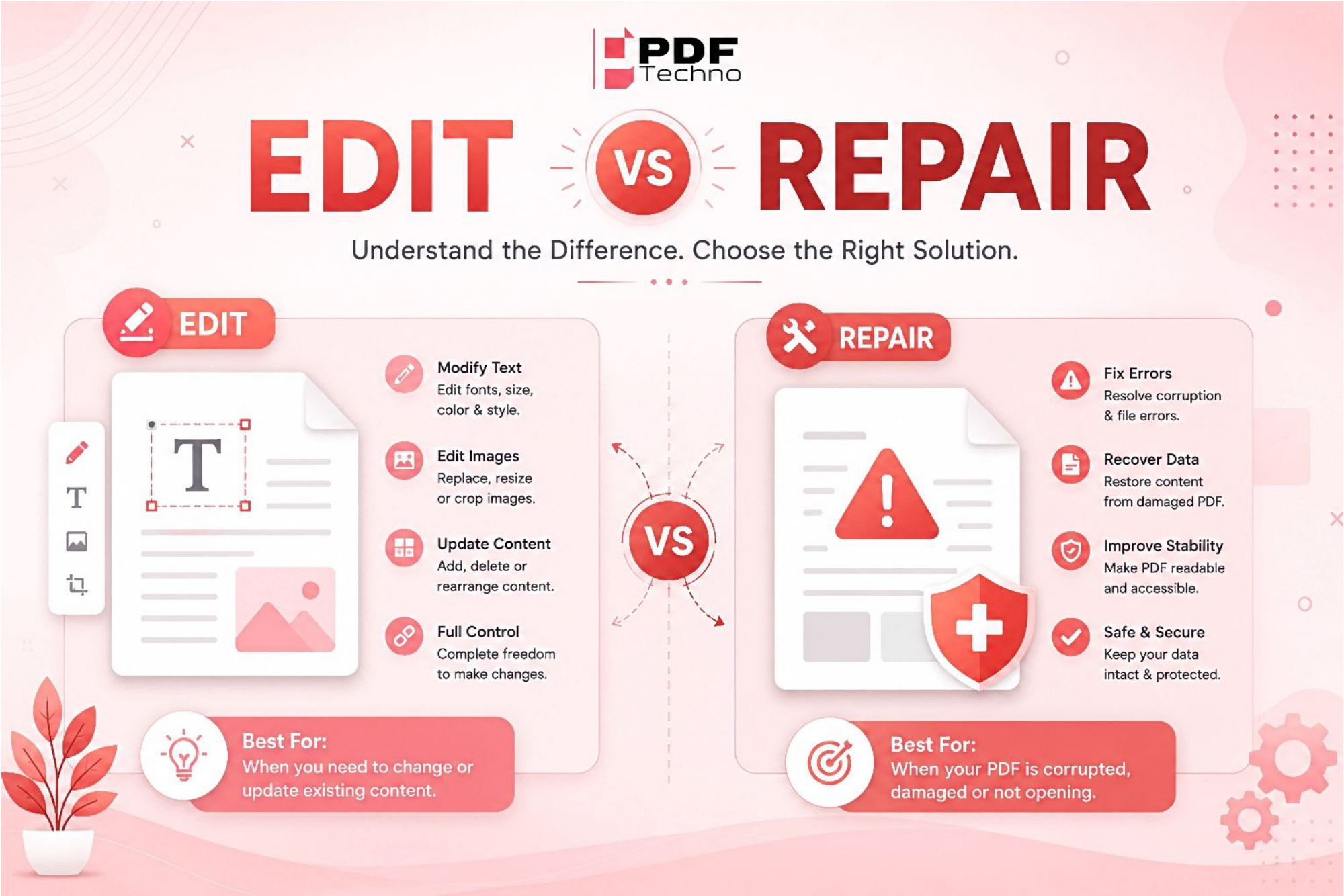
Edit PDF vs Repair PDF: What's the Difference and Which One Do You Need?
Confused between editing a PDF and repairing one? Learn the difference, when to use each option, and how PDF Techno helps you edit and repair PDF files quickly.
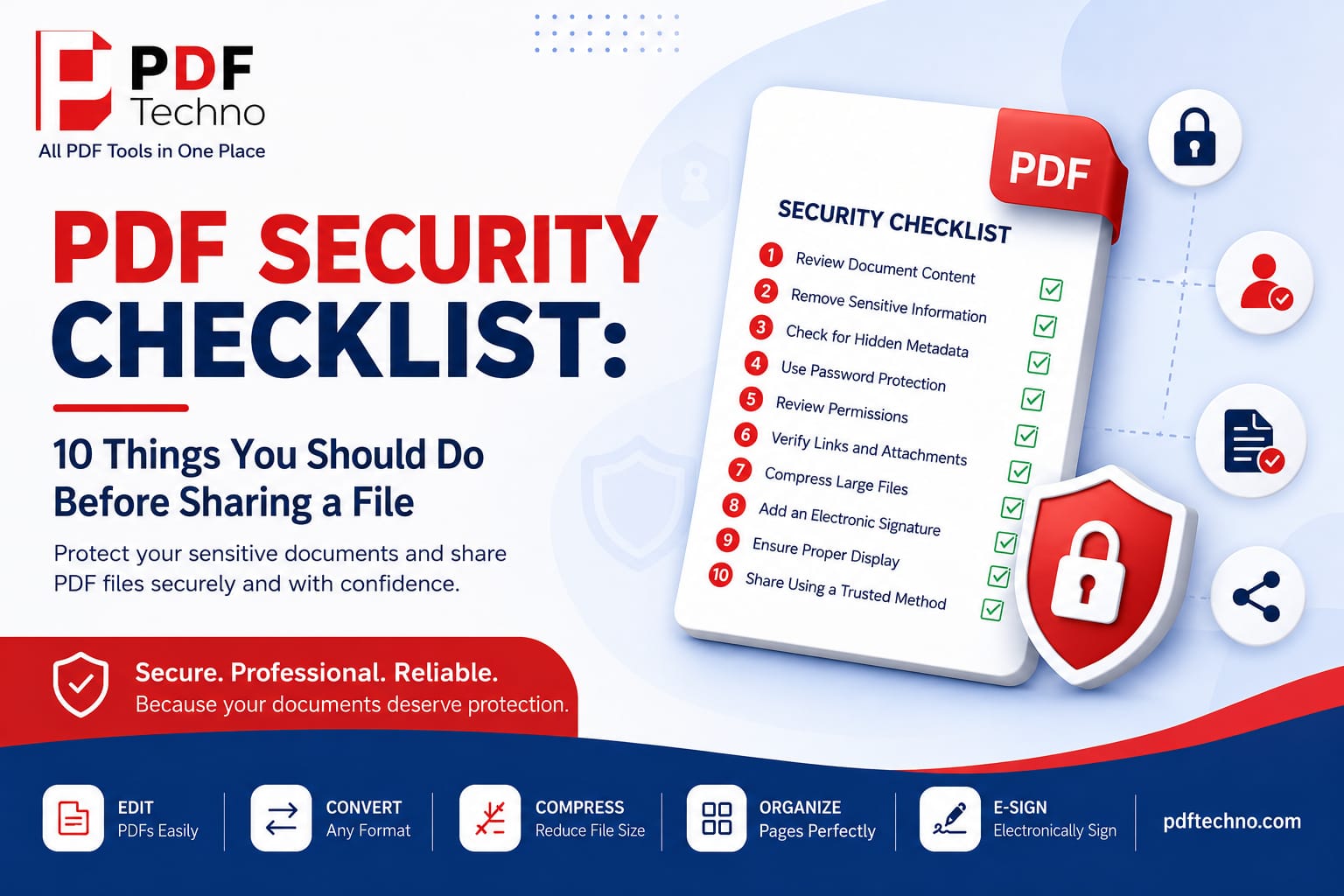
PDF Security Checklist: 10 Things You Should Do Before Sharing a File
Protect your sensitive documents with this PDF security checklist. Learn 10 essential steps to secure your PDF before sharing it online using PDF Techno.
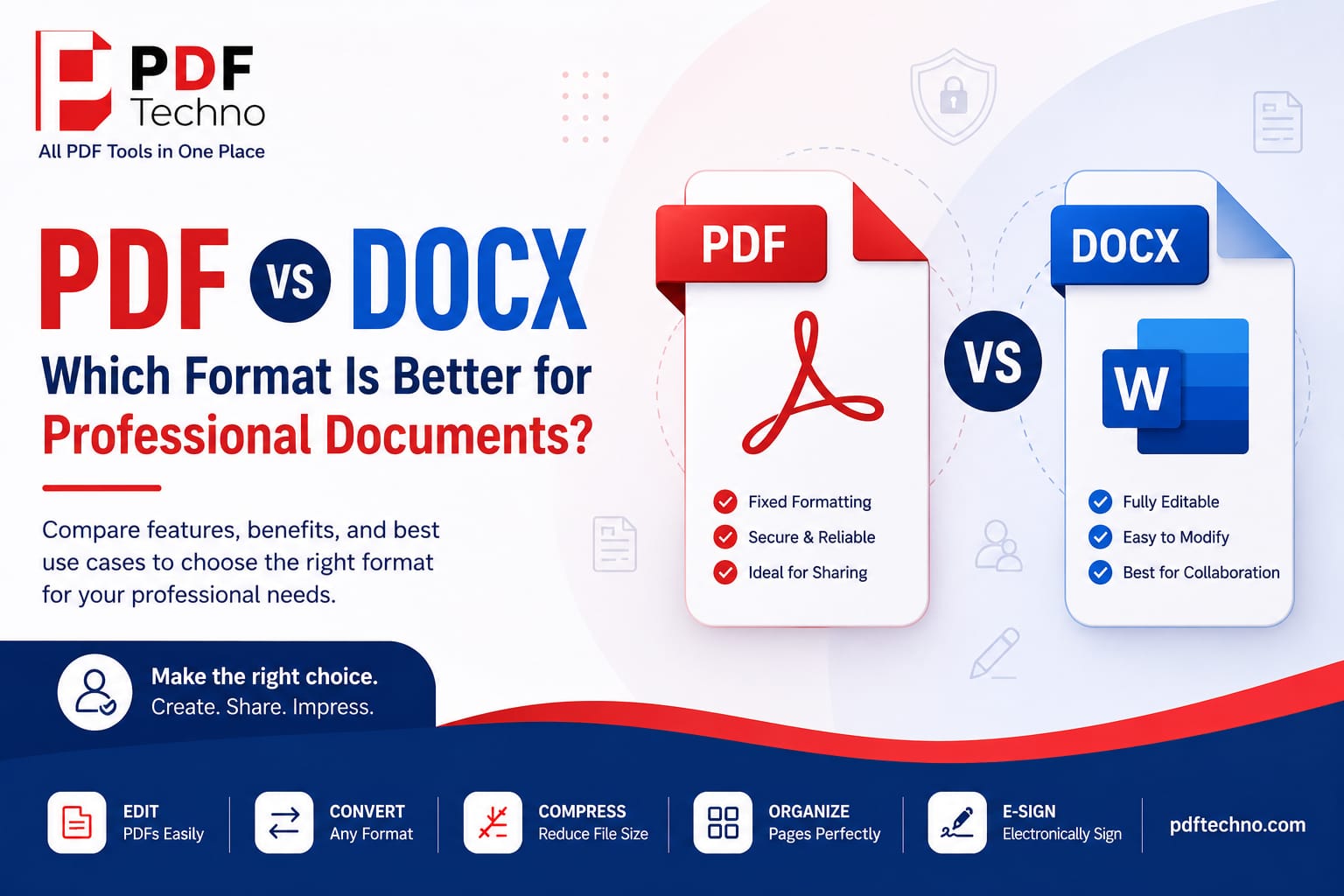
PDF vs DOCX: Which Format Is Better for Professional Documents?
Compare PDF vs DOCX to understand which format is best for professional documents. Learn the key differences, benefits, and when to use each with PDF Techno.
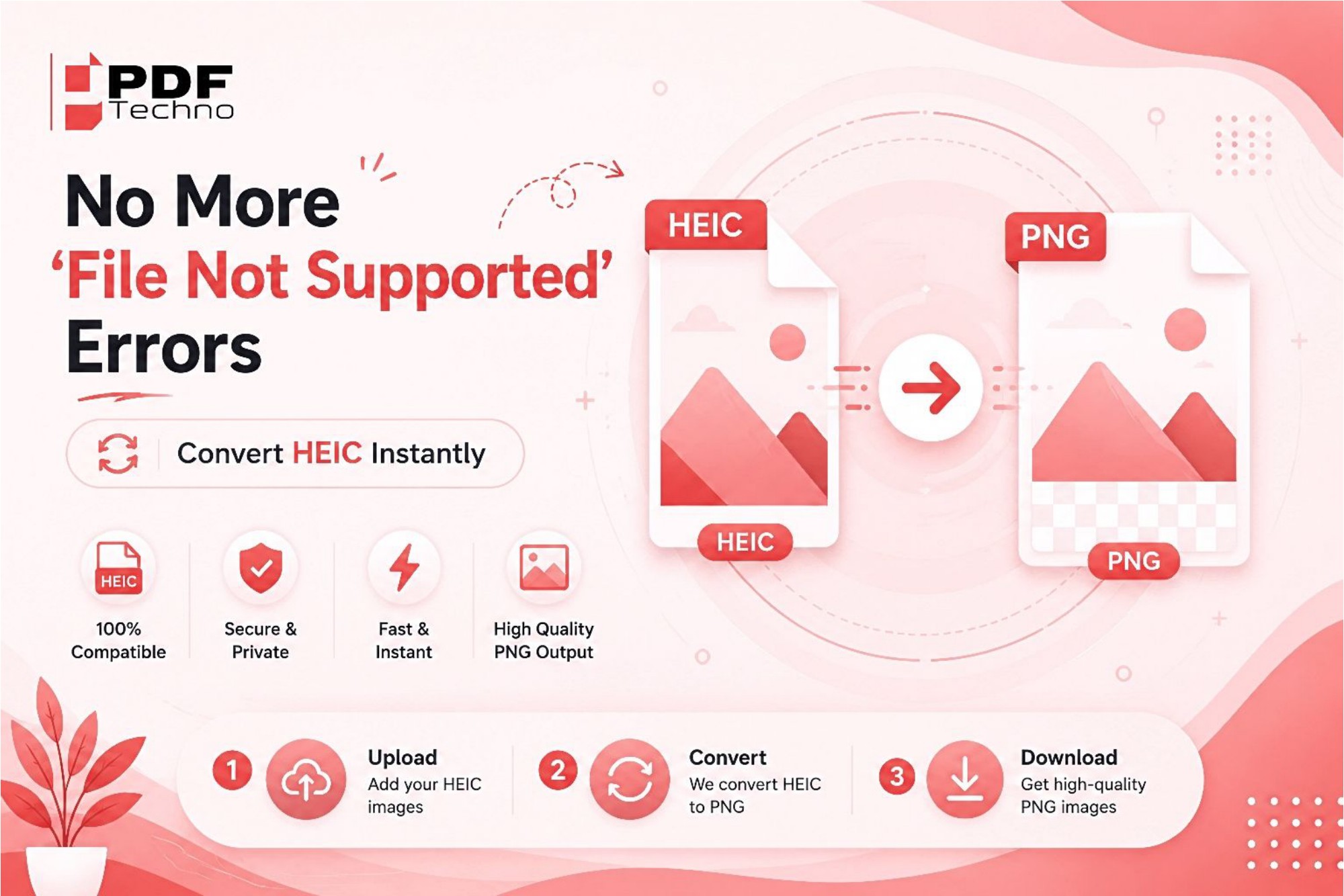
No More "File Not Supported" Errors — Convert HEIC Instantly
Tired of seeing "File Not Supported" errors while opening HEIC photos? Learn why it happens and how to instantly convert HEIC files to JPG or PNG using PDF Techno.
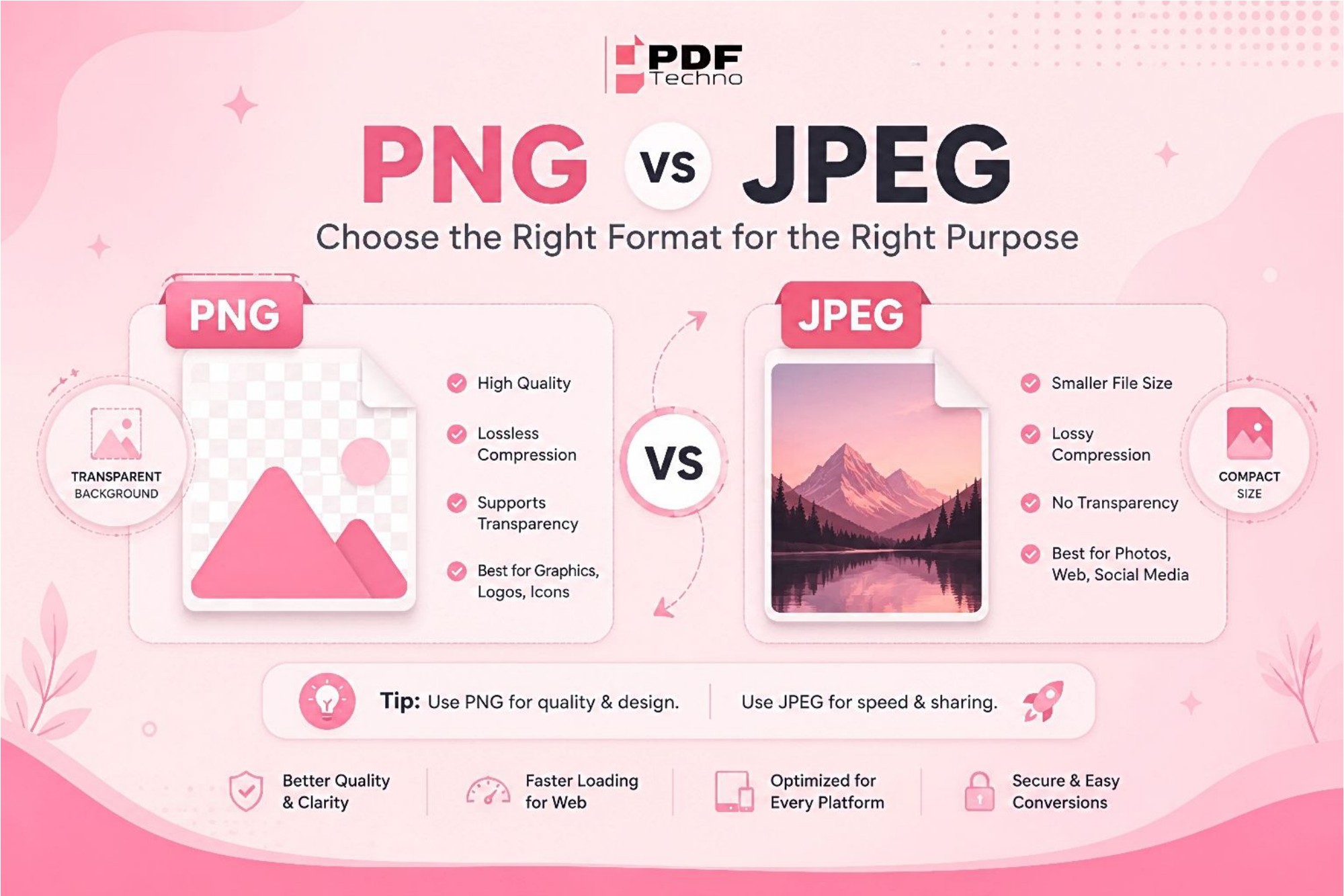
PNG vs JPEG: Differences and Where to Use Which Format?
Confused between PNG and JPEG? Learn the key differences, advantages, and best use cases for each image format. Find out which one is right for your needs with PDF Techno.
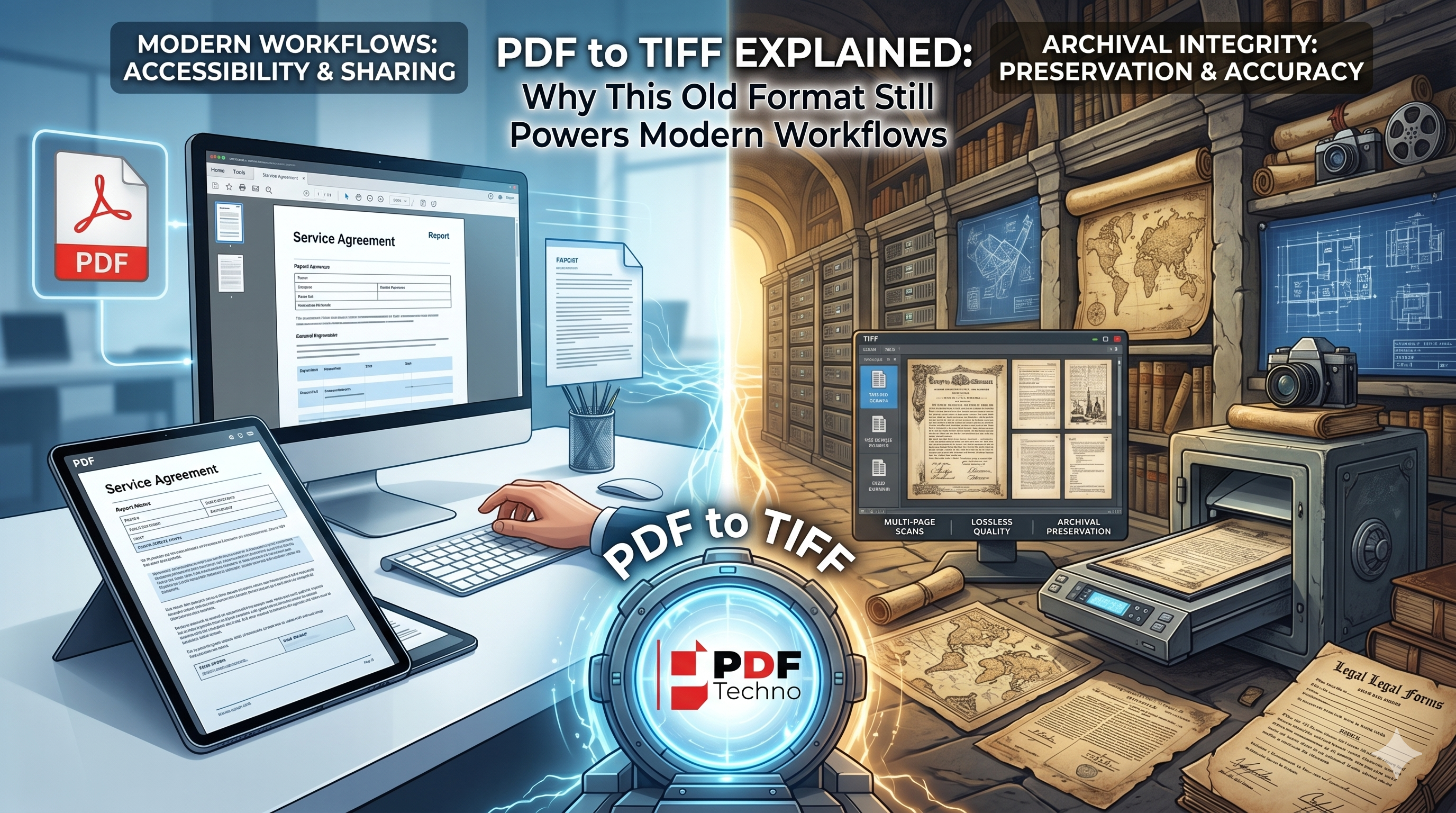
PDF to TIFF Explained: Why This Old Format Still Powers Modern Workflows
Learn why TIFF remains a trusted format for document archiving, legal records, and professional imaging, and discover when converting PDF to TIFF is the right choice.