AI-Powered PDF Summarizer
Get intelligent summaries of your PDF documents in seconds. Extract key insights with advanced AI technology.
Drop PDF Files Here
Release to add files
Summarize Long PDFs with AI in Seconds
Stop scrolling through 50 pages to find the point. Upload a PDF, choose how short and in what style you want it, and get a clear AI summary you can read, copy and download.
Key Points, Not Walls of Text
The AI reads the whole document and pulls out what matters: the main argument, the supporting facts and the conclusions.
- Short, medium or long summaries
- Key topics identified for you
- Original vs. summary word count
Your Format, Your Language
Get flowing paragraphs, scannable bullet points or a list of key insights, written in the language you actually work in.
- Paragraphs, bullets or key insights
- 7 output languages
- Works across language barriers
Download and Share
Keep the result. Copy it, share it, or save it as a formatted PDF or a plain TXT file in one click.
- Download as PDF
- Download as TXT
- Copy to clipboard
Pay Only for What You Use
AI summaries run on credits charged per page. You see the exact cost before you start, and failed jobs are refunded.
- Cost shown before you summarize
- Credits never expire
- Failed jobs refunded
Built for documents you do not have time to read
Research papers, contracts, reports, whitepapers, meeting packs and study material: the PDF AI summarizer turns pages of dense text into a summary you can read in a minute, so you can decide what deserves a full read.
How to Summarize a PDF with AI
Three steps from a long document to a short summary.
1. Upload your PDF
Select a text-based PDF from your device or drag it onto the page. You see the page count and the credit cost straight away.
2. Choose length, format and language
Pick a short, medium or long summary, choose paragraphs, bullet points or key insights, and set the language you want to read it in.
3. Read, copy or download
Click Summarize. When the AI finishes, read the summary on screen, copy it, or download it as a PDF or TXT file.
Summaries Shaped to How You Read
One document, many ways to read it. Change the settings and summarize again whenever you need a different view.
Short summary
One or two paragraphs. The fastest way to decide whether a document is worth your time.
Medium summary
Three to five paragraphs that cover the main sections, the findings and the conclusions.
Long summary
A detailed summary for reports and papers where you need the reasoning, not just the verdict.
Bullet points and key insights
Prefer lists? Get organized bullet points or a tight list of the main takeaways instead of prose.
Who Uses an AI PDF Summarizer
Anyone who reads more than they have time for.
Students and researchers
Get the gist of papers, journal articles and lecture notes before you commit to reading them closely, and build a quick summary for your own notes.
Business and operations teams
Turn long reports, proposals and meeting packs into a one-page brief you can forward to people who will not open the original.
Legal and finance professionals
Get a first-pass overview of contracts, policies and filings so you know where to focus your careful reading.
Anyone with a reading backlog
Manuals, guides, ebooks and newsletters saved as PDF: summarize them and read only the parts that matter to you.
Why Use PDF Techno to Summarize PDFs
A focused tool that does one job well, with no surprises on cost.
Transparent per-page pricing
You see the credit cost for your exact document before anything runs, and credits never expire.
Handles real documents
Summarize PDFs up to 20 MB and 50 pages on the standard plan limits, and keep the layout of your output tidy.
Seven output languages
Summarize in English, Spanish, French, German, Italian, Portuguese or Hindi, whatever language the source is in.
Download what you generate
Save the summary as a formatted PDF with key topics and statistics, or as a plain text file ready to paste anywhere.
Private by design
Your file is processed to produce the summary and is not kept as a permanent copy.
Fair when things go wrong
If a summary fails, the credits for that job are returned to your balance automatically.
Limits and Requirements
What to know before you upload.
- Premium feature: AI summaries are available on Premium plans and are charged in AI credits per page.
- Text-based PDFs work best. A scanned PDF with no selectable text should be run through OCR first.
- Standard limits are 20 MB and 50 pages per document, with one file summarized at a time. Your plan may allow more.
- Very short documents with too little text cannot be summarized meaningfully.
AI PDF Summarizer FAQ
Answers to the questions we hear most.
How do I summarize a PDF with AI?
Upload your PDF, choose a summary length, a format and an output language, then click Summarize. The AI reads the document, identifies the key topics and writes the summary, which you can read on screen, copy, or download as a PDF or TXT file.
Is the AI PDF summarizer free?
AI summarization is a Premium feature and uses AI credits, charged per page of the document. The exact cost is shown before you start, so you never pay without knowing the price. Credits never expire, and some plans include credits every month.
How accurate is an AI summary of a PDF?
The AI is good at capturing the main points, structure and conclusions of a document, but a summary is always shorter than the source and can leave out detail. For contracts, medical, legal or financial decisions, use the summary to find where to read, then check the original.
What is the maximum PDF size and page count?
The standard limits are 20 MB and 50 pages per document, and one file is summarized at a time. If your document is longer, split it into sections with a PDF splitter and summarize each part.
Can it summarize a scanned PDF?
The summarizer needs selectable text. If your PDF is a scan or a photo of pages, run it through the OCR PDF tool first to make the text readable, then summarize the result.
Which languages are supported?
You can get your summary in English, Spanish, French, German, Italian, Portuguese or Hindi. You can choose an output language different from the language of the document.
Can I download or share the summary?
Yes. Download the summary as a formatted PDF, which includes key topics and document statistics, or as a plain TXT file. You can also copy the text to your clipboard or share it directly.
What happens to my PDF after summarizing?
Your file is used to generate the summary and is not kept as a permanent copy. You can start over with a new document at any time.
What if the summary fails?
If a job fails, the credits reserved for it are refunded to your balance automatically. You can try again with the same file.
Related PDF Tools
Prepare your document first, or work with the text after summarizing.
OCR PDF
Make scanned PDFs searchable so they can be summarized.
Try now →Split PDF
Cut a long document into sections before summarizing.
Try now →PDF to Text
Extract the full text of a PDF as a plain TXT file.
Try now →Merge PDF
Combine several PDFs into one document.
Try now →Compress PDF
Reduce file size to stay under the upload limit.
Try now →PDF to Word
Convert a PDF into an editable Word document.
Try now →Related Guides
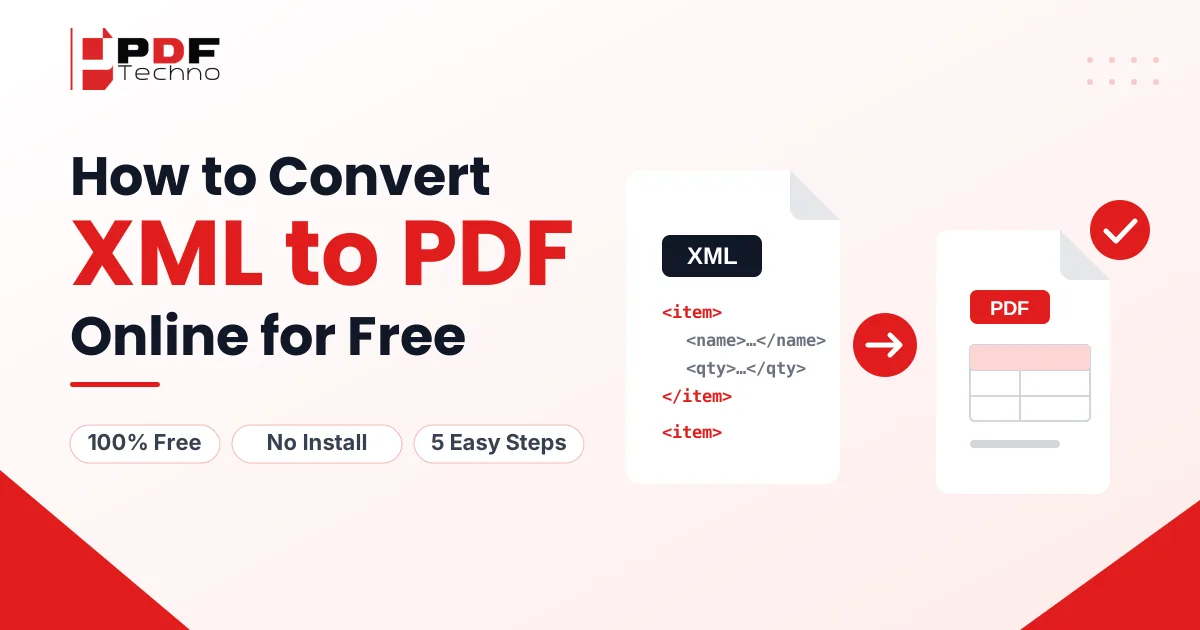
How to Convert XML to PDF Online for Free
Learn how to convert XML to PDF online for free with PDFTechno. Upload, choose Tabled, Structured or Hybrid view, and download your PDF in 5 steps.
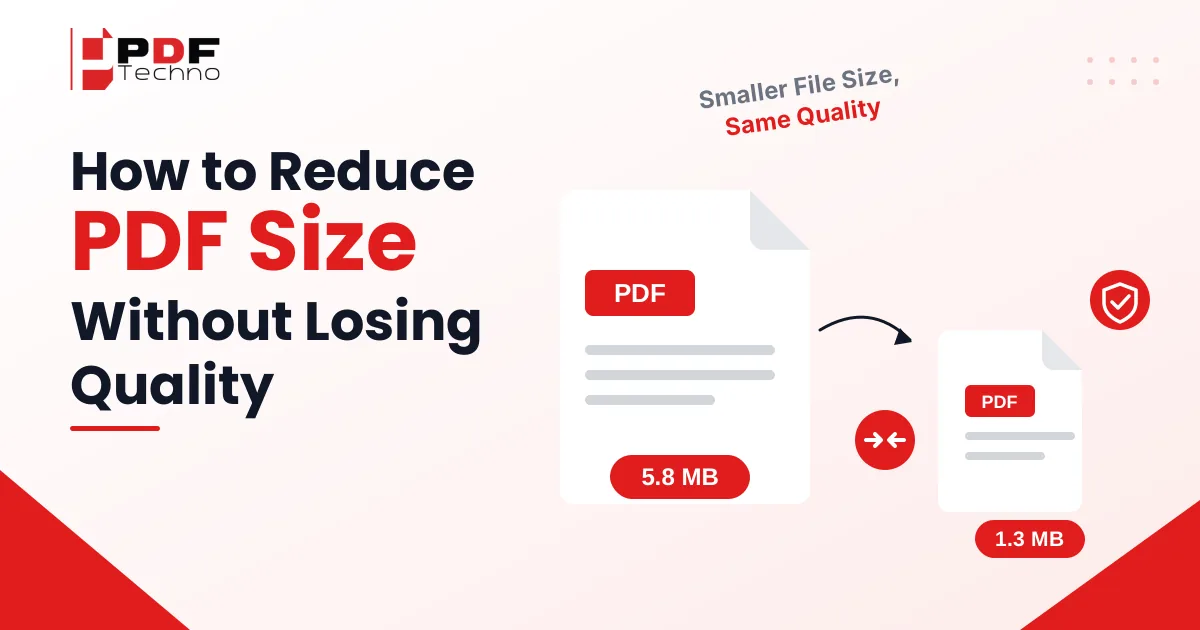
Reduce PDF Size Without Losing Quality: 6 Easy Methods
Reduce PDF size without losing quality in 6 easy ways. Compress scanned PDFs by up to 90% for free, no sign-up needed. Try it now and keep text sharp.

How to Remove Watermark from PDF: Easy Ways to Get a Clean Document
Learn how to remove watermark from PDF online. Discover why PDF watermarks need to be removed and how to remove them using PDF Techno.

Request Signatures Online: How to Send a PDF for Electronic Signature
Learn how to request a signature online and send PDFs for electronic signing. See how to request electronic signatures with PDF Techno.

PDF to Markdown Converter: How to Convert PDF Files into Editable Markdown
Convert PDF to Markdown online with PDF Techno. Learn why PDF to Markdown is useful and how to turn PDF content into editable Markdown files.

Too Many PDF Files? Here's How to Combine Them Into One Document
Have too many PDF files? Learn how to combine multiple PDFs into one organized document for easier sharing, submission, storage, and management.