Convert PDF Files to Text
Convert your PDF documents to editable Text Files
Drop PDF Files Here
Release to add files
Advanced PDF to Text Conversion & Document Structure
Change PDF to text files without losing formatting. Our intelligent tool ensures seamless transformation of your files while preserving formatting, structure, and editability in text files. Whether you need to change PDF to text files or simply convert PDF to plain text for quick editing, we've got you covered.
Advanced Text Recognition & Document Structure
Intelligent conversion that preserves formatting, structure, and editability in text files
Text Recognition
Our PDF to Text online tool uses advanced OCR technology to extract text with perfect formatting and structure preservation. Enjoy flawless conversion with:
Layout Preservation
Say goodbye to broken layouts when you change to Text. Our tool maintains the original document layout, columns, and formatting for professional results:
Editable Output
Transform static PDFs into fully editable text files without losing quality. Our tool supports:
Professional Document Editing
Easily change PDF to text files and unlock advanced editing capabilities. Our converter lets you: Maintain professional formatting while editing, Collaborate on documents in real time, Revise, update, and share with zero effort.
How to Convert PDF to Text
Transform your PDF documents into editable text files in three simple steps
1. Upload PDF
Select your PDF file, even a large one, with text content you want to edit. Works with both text-based and scanned PDFs.
2. Extract Text
Advanced OCR technology analyzes the document structure and extracts text while preserving formatting and layout.
3. Download Text
Get your fully editable text file with preserved formatting, ready for editing, collaboration, and sharing.
Perfect for Document Editing
Convert any PDF into editable text files for various professional needs
Easily convert PDF to text files for all your professional, academic, and personal needs. Our PDF to Text online tool ensures that every converted file maintains its original structure and formatting, allowing you to change PDF to plain text without losing quality. Whether you need to edit legal contracts, collaborate on business reports, or customize forms, our converter has you covered.
Legal Documents
Make revisions to contracts, agreements, affidavits, and legal briefs effortlessly. With our PDF to Text converter, you can:
- •Change PDF to text files without losing clause formatting
- •Preserve legal headers, footers, and signature sections
- •Prepare editable versions for quick updates and client approvals
Business Reports
Turn your PDFs into editable text files and make collaboration easier than ever:
- •Convert proposals, financial statements, and annual reports
- •Maintain charts, tables, and visuals in plain text
- •Work seamlessly with your team for edits, reviews, and approvals
Academic Papers
Whether you're a student, researcher, or professor, our PDF to Text online tool is ideal for academic work:
- •Convert research papers, dissertations, and theses into editable text files
- •Make quick edits, add citations, or reformat content with ease
- •Preserve equations, tables, and references during conversion
Forms & Templates
Need to customize forms or templates? Our tool makes it simple to change to Text for easy modifications:
- •Convert application forms, invoices, and checklists into editable versions
- •Add or update fields without disturbing the original layout
- •Save time when creating multiple variations of the same template
Financial & Tax Documents
Accountants and finance professionals can easily work with editable plain texts:
- •Convert balance sheets, tax returns, and audit reports
- •Preserve tables, calculations, and signatures
- •Simplify financial reviews and approvals
Government & Administrative Documents
For government agencies and administrative departments:
- •Convert official notices, circulars, and tenders into plain text
- •Add new details without rebuilding templates
- •Keep document structure consistent across formats
Why Choose Our PDF to Text Converter?
Our PDF to Text online tool comes packed with advanced features that ensure accurate conversion and professional results every single time. Whether you need to change PDF to text files for editing, collaboration, or customization, our tool delivers high-quality PDF to plain text conversions in seconds.
Advanced OCR Technology
Enjoy state-of-the-art optical character recognition (OCR) that accurately extracts text from both digital and scanned PDFs. This ensures you can change to Text effortlessly while maintaining precision and quality.
Format Preservation
When you convert PDF to text files, formatting matters and our tool handles it flawlessly:
- •Preserves fonts, paragraphs, headers, footers, and layouts
- •Ensures a clean PDF to plain text conversion
- •Perfect for professional reports, legal documents, and forms
Multi-Language Support
Our PDF to Text converter supports text extraction in 100+ languages with precise character recognition and proper encoding. No matter where you're from, you can change PDF to text files without compromising accuracy.
Fast Processing
Get your files converted instantly! Our PDF to Text online tool delivers editable text files in seconds:
- •Handles large files effortlessly
- •High-speed, high-accuracy conversions
- •Perfect for quick edits and collaborative workflows
Secure Conversion
Your privacy is always protected. All files are processed securely and deleted immediately after conversion:
- •Encrypted uploads and conversions
- •No storage or data sharing
- •Ideal for sensitive contracts, reports, and personal files
Universal Compatibility
Our tool creates .txt files compatible with:
- •a text editor
- •Google Docs
- •LibreOffice and other leading word processors
This ensures you can change PDF to text files and work on them seamlessly across multiple platforms.
What Our Users Say
Real experiences from people who trust our PDF to Text converter for fast, accurate, and secure document conversions.
"I've tried so many tools, but this is hands down the best PDF to Text converter online. I converted a 40-page scanned report, and it handled everything perfectly, tables, images, and even formatting. The OCR accuracy is outstanding, and the document was ready to edit within seconds. Highly recommended for professionals!"
"This tool has saved me hours of work! I often receive scanned PDFs from clients, and the PDF to Text conversion is flawless every time. I love how it preserves the formatting and supports multiple languages. It's fast, secure, and super easy to use, exactly what I needed!"
"As a student, I constantly need to convert PDFs into editable formats for my projects. This free PDF to Text converter is a lifesaver. The format preservation is amazing, and even scanned lecture notes come out perfectly editable. Plus, I appreciate the secure file processing — I know my documents are safe."
Frequently Asked Questions
Everything you need to know about our PDF to Text converter
How can I convert PDF to Text using your tool?
Our PDF to Text converter makes it easy to upload your file and get an editable text file in seconds. Simply choose your PDF, click convert, and download your .txt file instantly.
What types of PDFs can be converted to Text?
You can convert PDF to Text whether it's a text-based document or a scanned image PDF. For scanned files, we use advanced OCR technology to ensure accurate text extraction.
Is your PDF to Text converter free to use?
Yes! You can use our free PDF to Text converter to process large files effortlessly. There are no hidden charges or sign-ups required for basic conversions.
Will the formatting be preserved after conversion?
Absolutely. Our tool is designed to maintain original formatting including fonts, paragraphs, headers, footers, images, and tables for professional, ready-to-use text files.
Can I edit the converted text file?
Yes, once you convert PDF to Text, you'll receive a fully editable .txt file. You can update content, modify formatting, add comments, or collaborate with others seamlessly.
How secure is the PDF to Text online conversion process?
Your privacy is our priority. All files processed through our PDF to Text online converter are encrypted and automatically deleted from our servers after conversion.
Which languages does the converter support?
Our best PDF to Text converter uses OCR technology to recognize text in over 100+ languages, including English, French, German, Spanish, Chinese, Arabic, Hindi, and more.
Does the converter handle images and tables?
Yes, all images, tables, and graphics are preserved. The tool accurately transfers tables into editable Text table format, keeping your document structure intact.
Is your PDF to Text converter compatible with all Text processors?
Definitely. The converted .txt files work perfectly with a text editor, Google Docs, LibreOffice, WPS Office, and other popular word processors.
Why choose your tool over other free PDF to Text converters?
Unlike many alternatives, our tool combines fast processing, advanced OCR, format preservation, and secure conversions, making it one of the best PDF to Text converters available online.
Explore More PDF Techno Tools
Make your workflow smoother with our complete suite of PDF conversion and document management tools:
Text to PDF Converter
Easily convert text files into high-quality PDFs without losing formatting.
PDF Compressor
Reduce file size while maintaining clarity and professional quality.
PDF Merger
Combine multiple PDFs into a single organized document in seconds.
PDF Splitter
Split large PDFs into smaller, more manageable files effortlessly.
Image to PDF Converter
Turn your images into PDFs instantly with sharp quality.
PDF to Excel Converter
Extract data tables from PDFs and convert them into fully editable Excel sheets.
PDF to PPT Converter
Transform your PDF reports into stunning PowerPoint presentations.
PDF Unlock Tool
Remove password protection from secured PDFs safely.
PDF Protector
Add strong encryption and password protection to your PDFs.
Related Guides
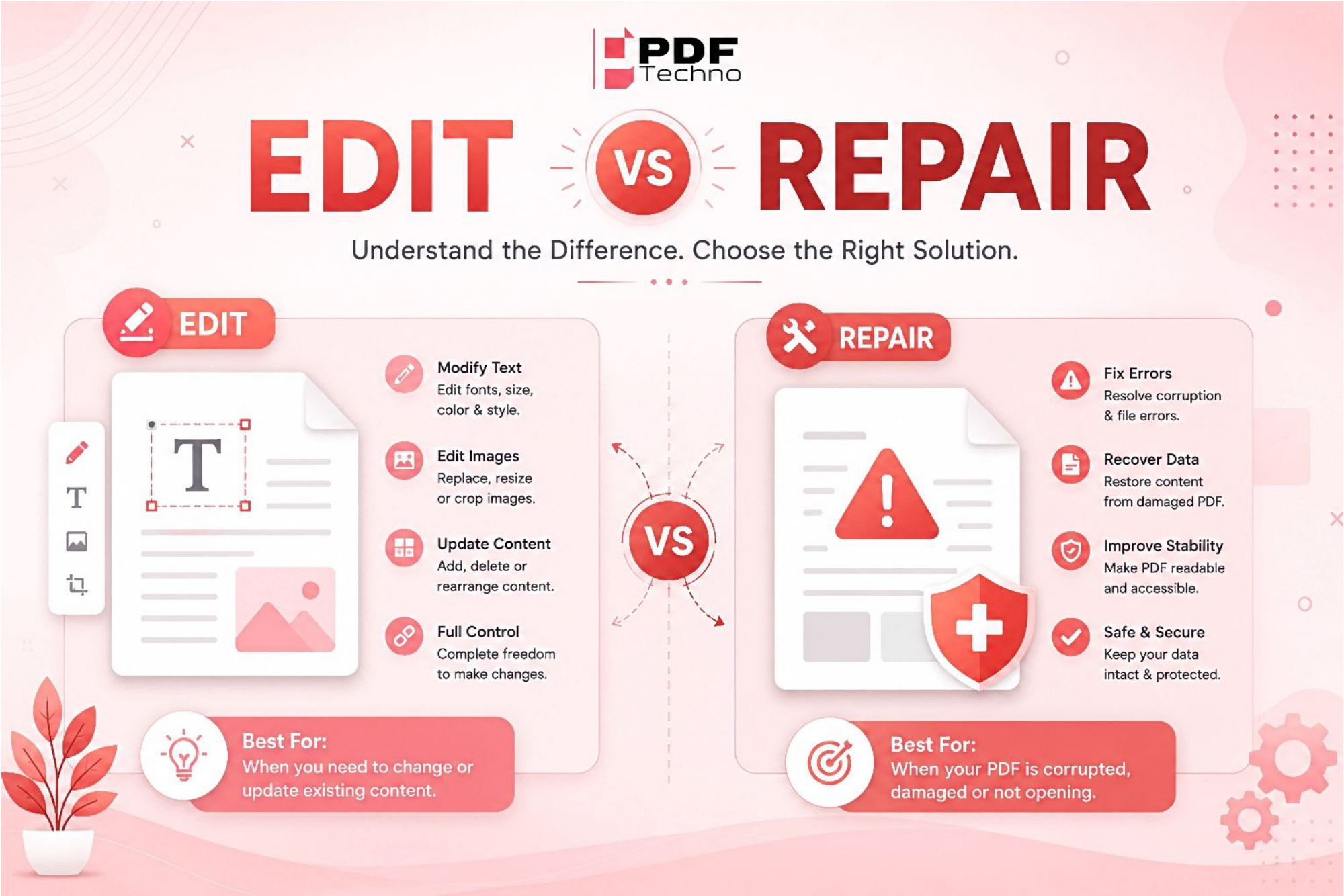
Edit PDF vs Repair PDF: What's the Difference and Which One Do You Need?
Confused between editing a PDF and repairing one? Learn the difference, when to use each option, and how PDF Techno helps you edit and repair PDF files quickly.
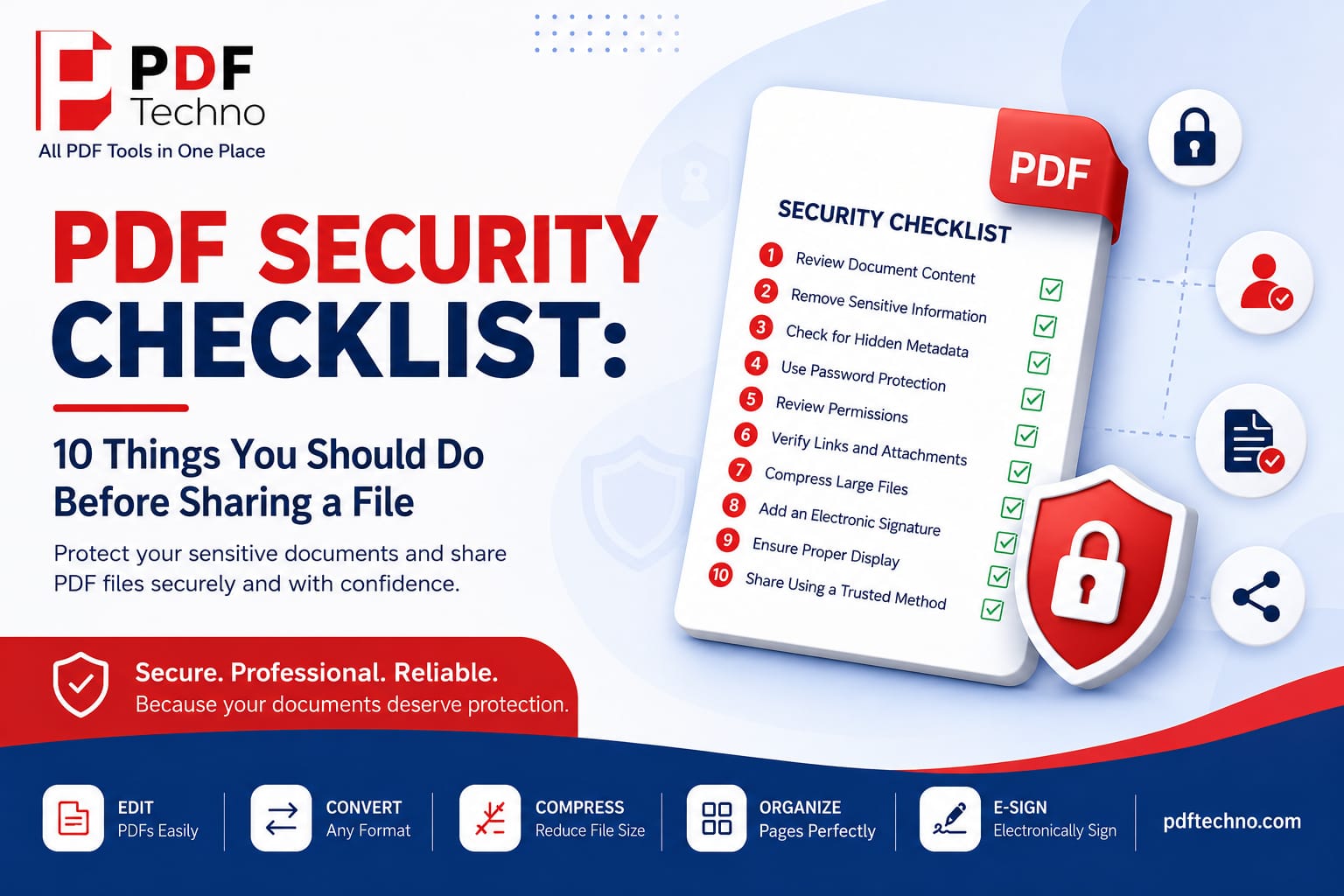
PDF Security Checklist: 10 Things You Should Do Before Sharing a File
Protect your sensitive documents with this PDF security checklist. Learn 10 essential steps to secure your PDF before sharing it online using PDF Techno.
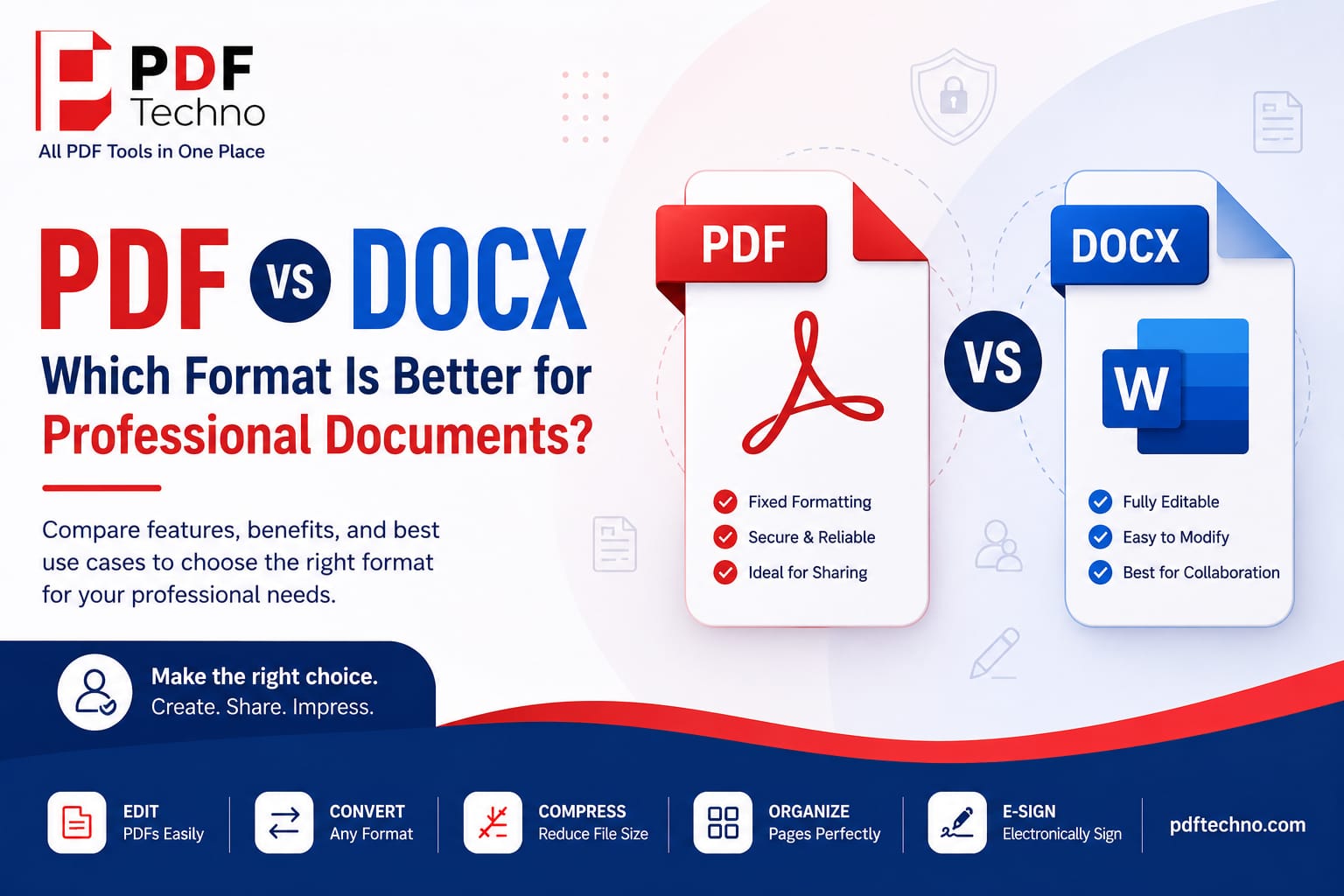
PDF vs DOCX: Which Format Is Better for Professional Documents?
Compare PDF vs DOCX to understand which format is best for professional documents. Learn the key differences, benefits, and when to use each with PDF Techno.
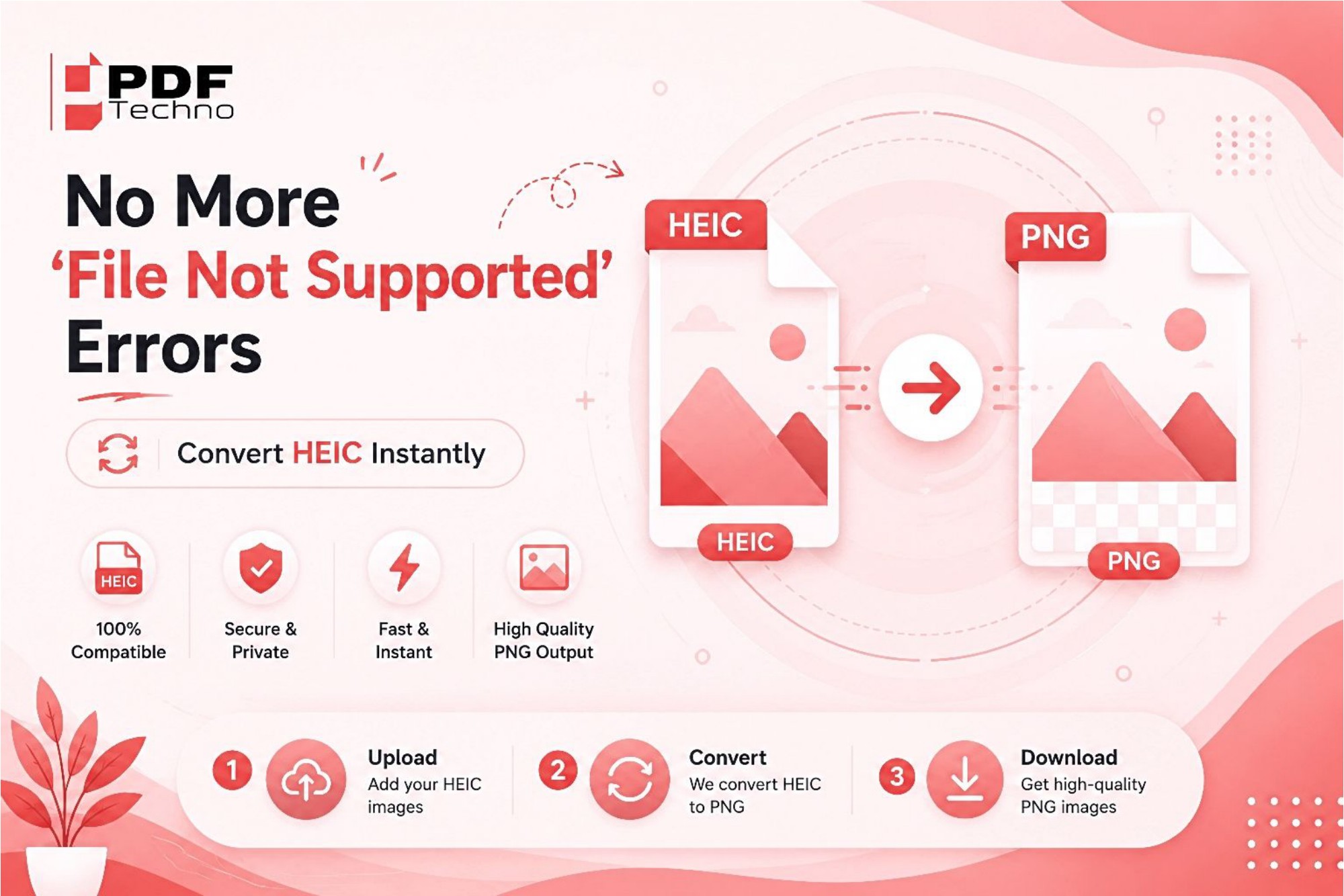
No More "File Not Supported" Errors — Convert HEIC Instantly
Tired of seeing "File Not Supported" errors while opening HEIC photos? Learn why it happens and how to instantly convert HEIC files to JPG or PNG using PDF Techno.
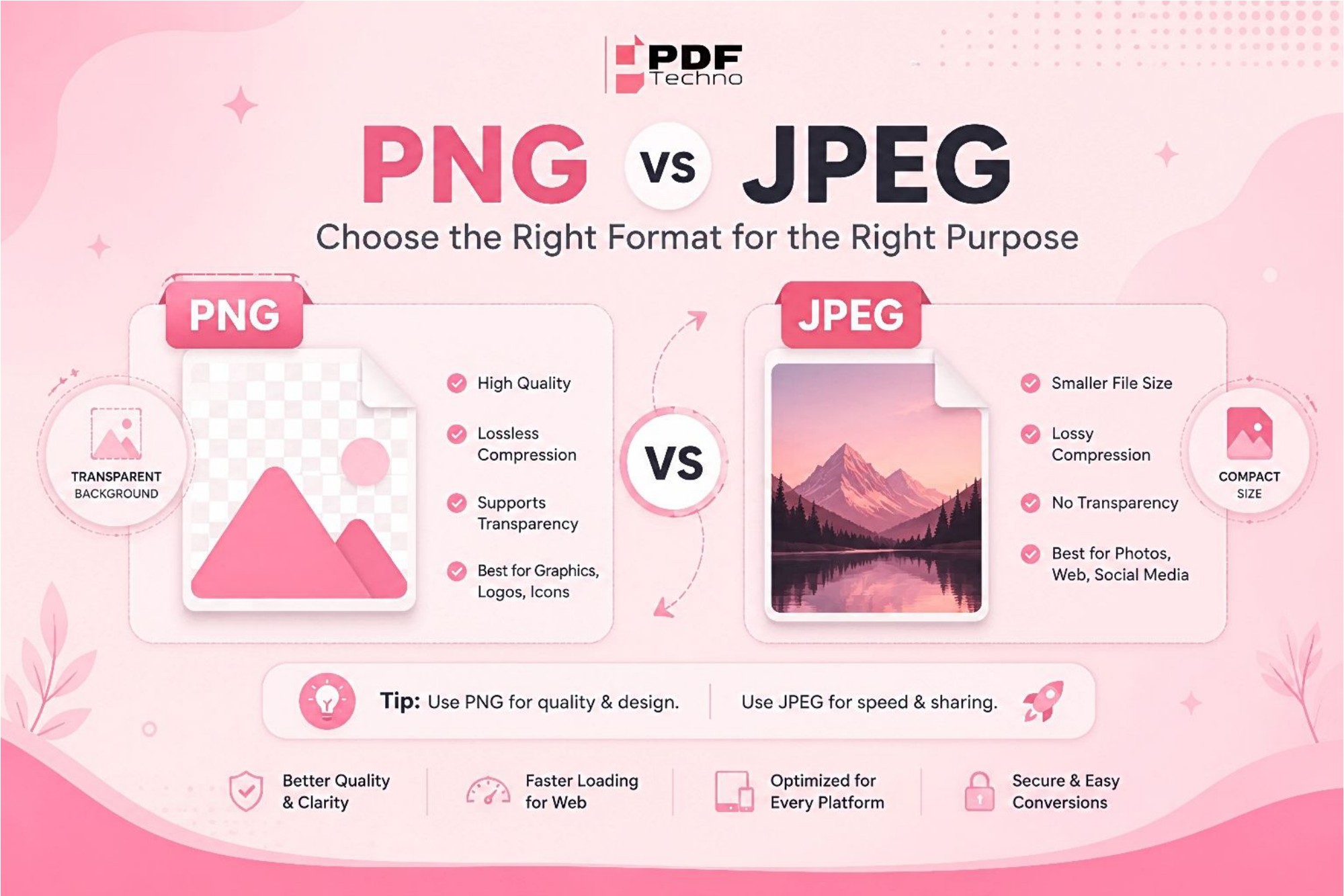
PNG vs JPEG: Differences and Where to Use Which Format?
Confused between PNG and JPEG? Learn the key differences, advantages, and best use cases for each image format. Find out which one is right for your needs with PDF Techno.
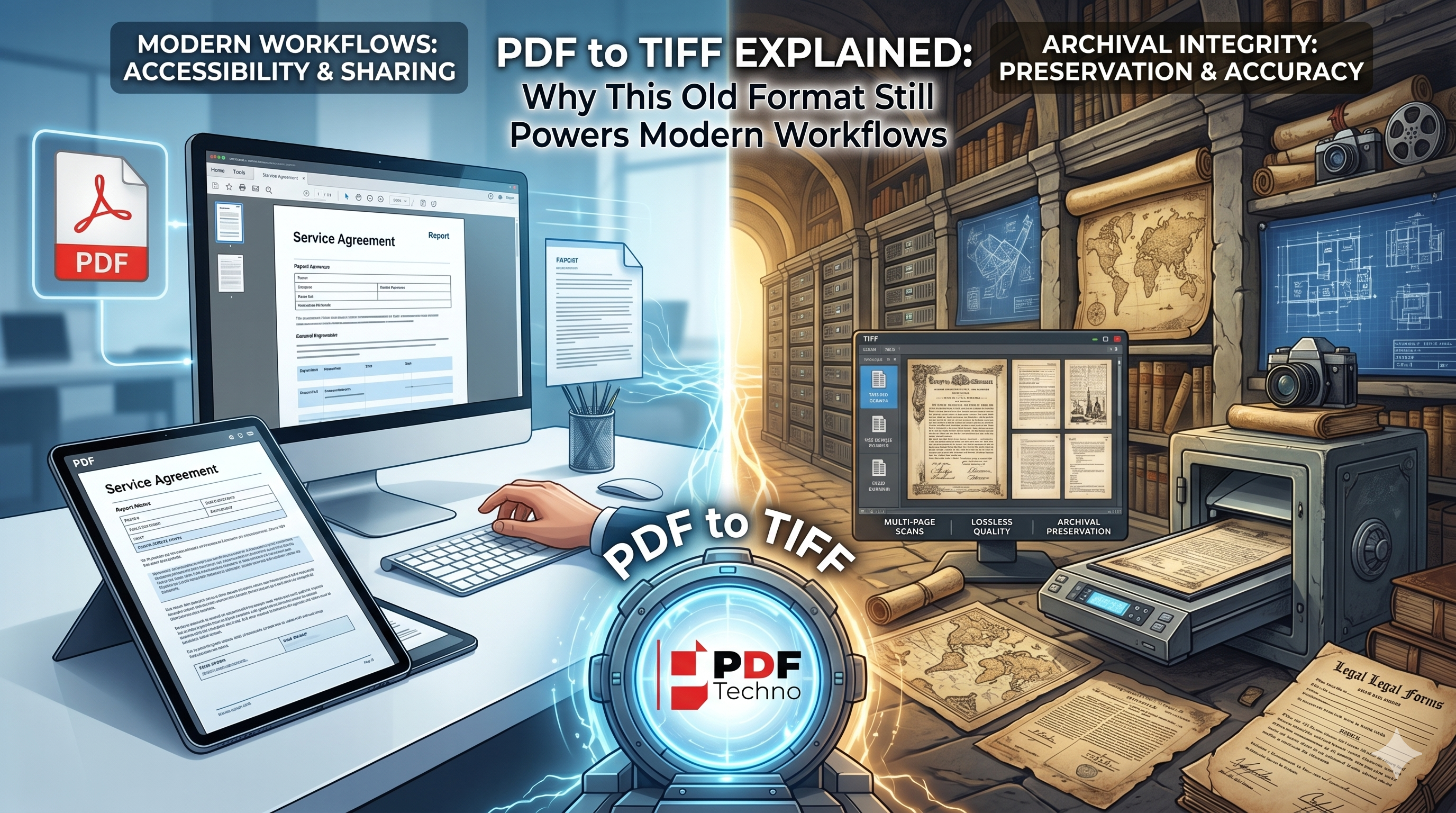
PDF to TIFF Explained: Why This Old Format Still Powers Modern Workflows
Learn why TIFF remains a trusted format for document archiving, legal records, and professional imaging, and discover when converting PDF to TIFF is the right choice.