Add Signers
Invite one or many recipients by email and decide exactly how the document flows to each of them
Multiple recipients
Custom signing order
Email invitations
Signer names & roles

Send any PDF to others to sign online, for free. Add signers, drag signature and text fields onto the page, set a signing order, and track every step with a full audit trail — no accounts or software needed for your signers.
or drop files here
Only PDF files.
Up to 15 MB per file on your plan•Files are deleted automatically after 2 hours
Request, collect, and track legally-sound electronic signatures — all from your browser
Invite one or many recipients by email and decide exactly how the document flows to each of them
Drag and drop the fields each person needs to complete, right where you want them on the page
Follow your request from sent to signed, and keep everyone moving without chasing emails
Every request is backed by a tamper-evident record so your signed documents hold up
Documents are transferred over encrypted connections and every action is recorded in a tamper-evident audit trail. Your files are processed securely and removed automatically, so sensitive contracts stay confidential from start to finish.
Collect signatures in 4 simple steps — no software for you or your signers
Select the PDF you need signed, or drag and drop it in. Contracts, agreements, NDAs and forms all work.
Enter each recipient's name and email, and set the order they should sign in when more than one person is involved.
Drag signature, initials, date and text fields onto the document and assign each one to the right signer.
Send the request. Each signer gets a secure link, and you can track progress and download the signed copy once it's complete.
See how teams use signature requests to close documents faster
Close deals without the print-sign-scan cycle
Get new hires and staff paperwork signed fast
Formalise work and agreements remotely
A faster, safer way to get documents signed
Send a document for signature in minutes. Your signers just click a link — no account, download, or app required.
Encrypted transfers, timestamped actions, and a complete audit trail keep every signed document verifiable and confidential.
Add as many recipients as you need, set a signing order, and let reminders keep the process moving automatically.
Everything you need to know about requesting signatures online
Upload your PDF, add your signers by email, drag signature and other fields onto the page, then send the request. Each signer receives a secure link to sign — you can track progress and download the finished document.
No. Recipients simply open the secure link they receive by email and sign in their browser. There is no account, download, or software required for signers.
Yes. You can add multiple recipients and set a custom signing order, so the document flows from one person to the next in exactly the sequence you choose.
Electronic signatures collected this way are backed by a tamper-evident audit trail with timestamps and signer details, which supports the legality of the signed document in most regions.
Yes. Documents are transferred over encrypted connections, every action is logged in an audit trail, and files are processed securely and removed automatically after the request is complete.
Absolutely. You can see the live status of each signer, send reminders, set a deadline, and download the completed, signed copy as soon as everyone is done.
Prepare and secure your documents before or after signing
Add your own signature to a PDF instantly.
Try Now →Edit text, images and pages before you send.
Try Now →Password-protect a document for extra security.
Try Now →Combine files into one before requesting a signature.
Try Now →Shrink large files for faster sending.
Try Now →Convert a signed PDF into an editable document.
Try Now →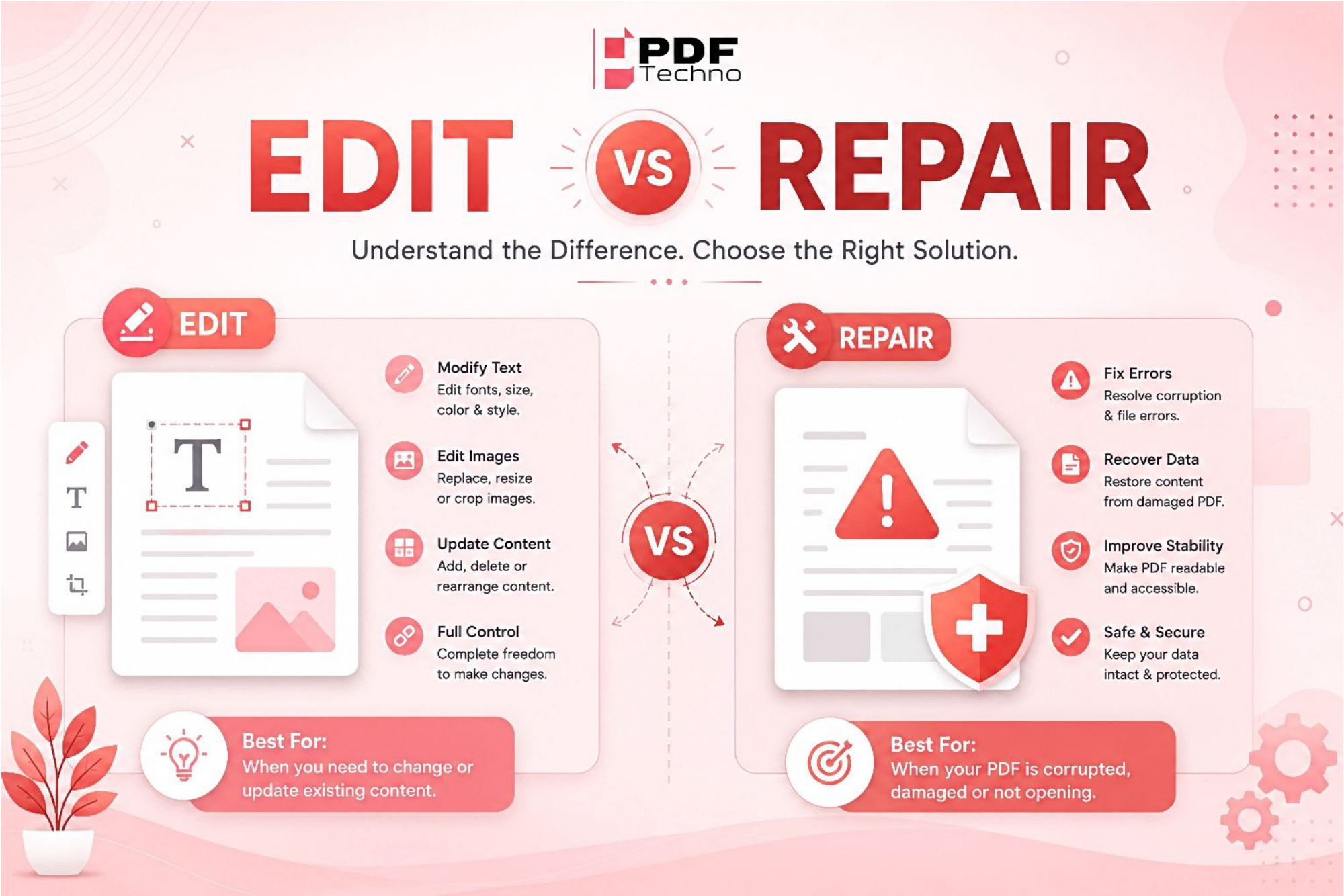
Confused between editing a PDF and repairing one? Learn the difference, when to use each option, and how PDF Techno helps you edit and repair PDF files quickly.
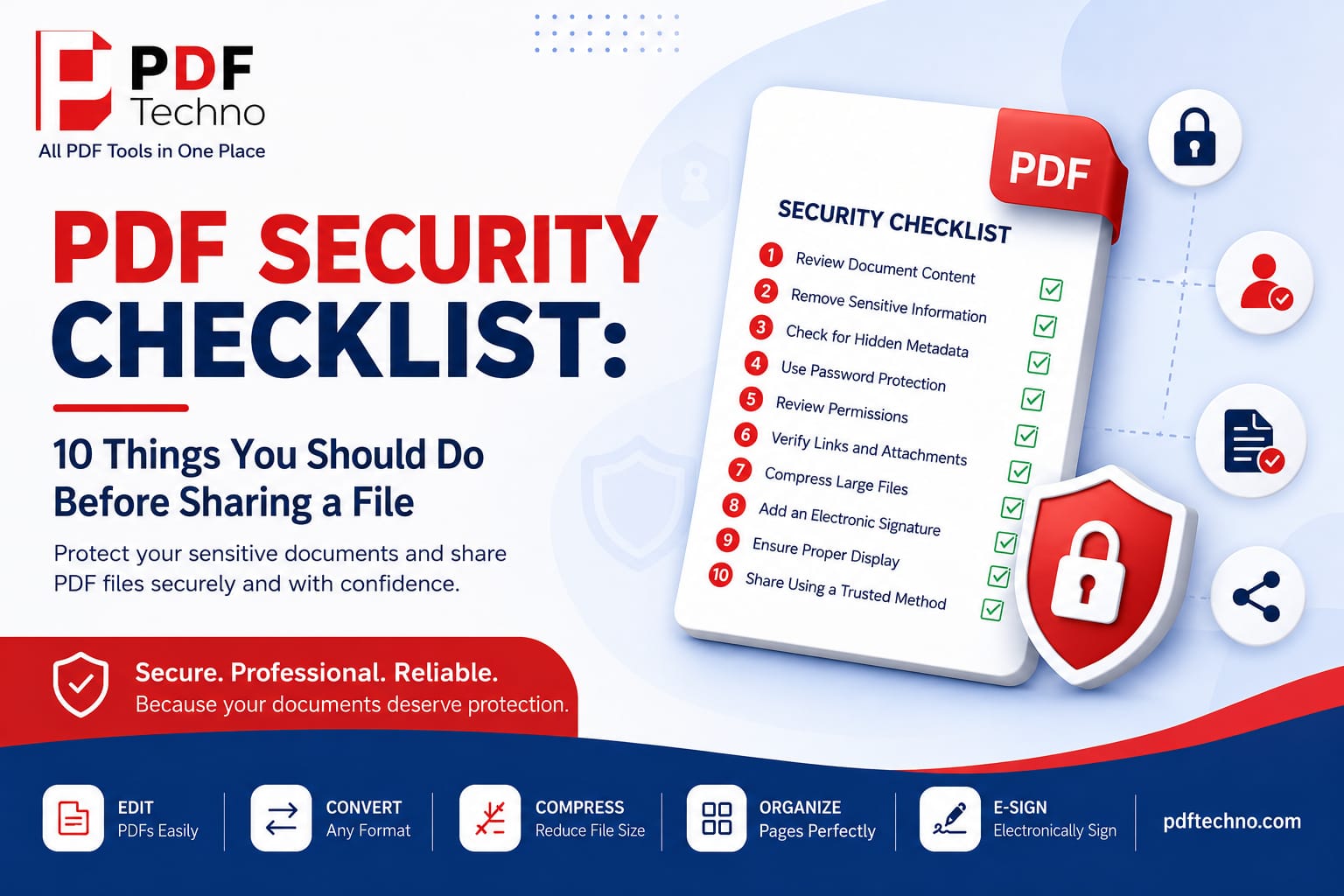
Protect your sensitive documents with this PDF security checklist. Learn 10 essential steps to secure your PDF before sharing it online using PDF Techno.
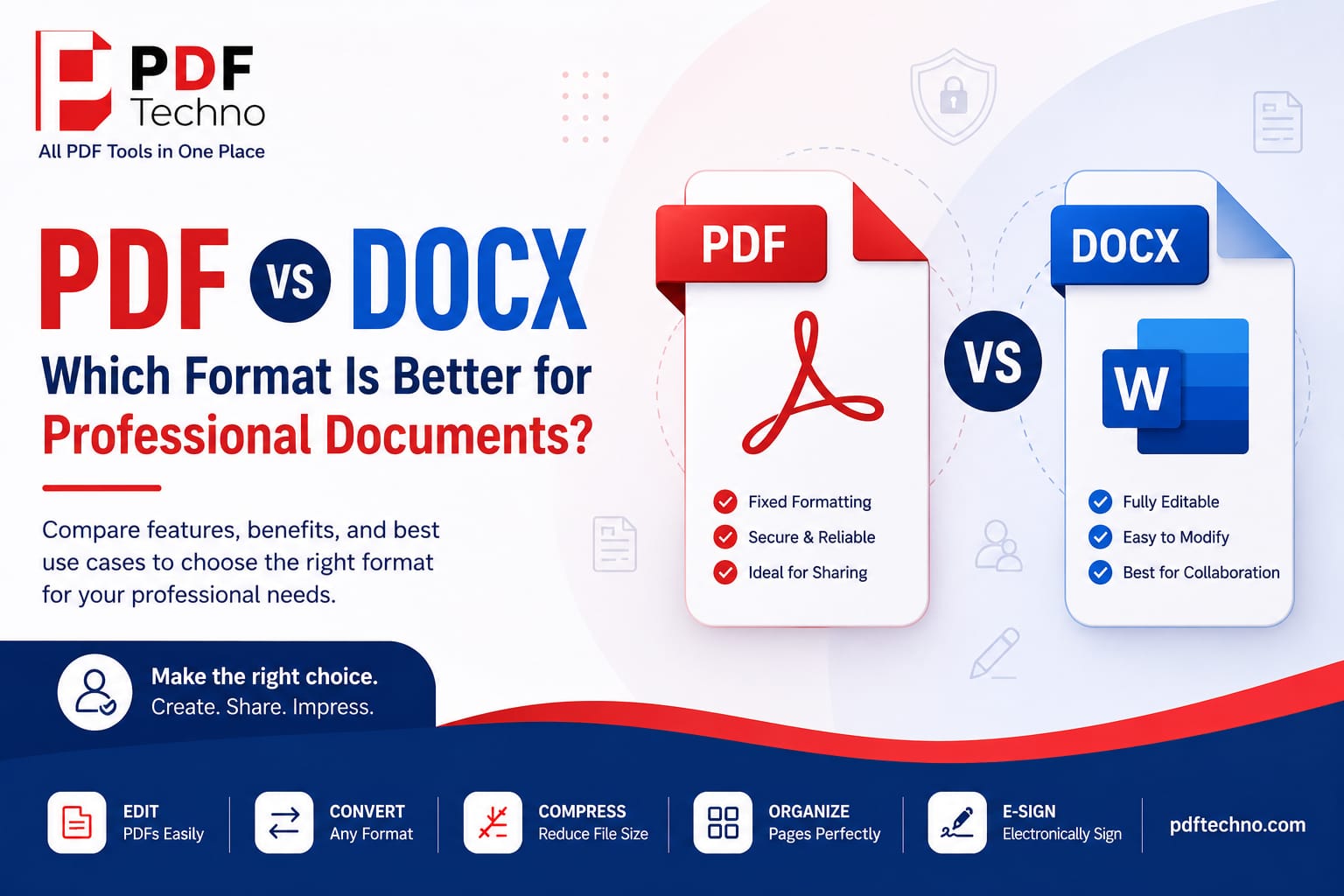
Compare PDF vs DOCX to understand which format is best for professional documents. Learn the key differences, benefits, and when to use each with PDF Techno.
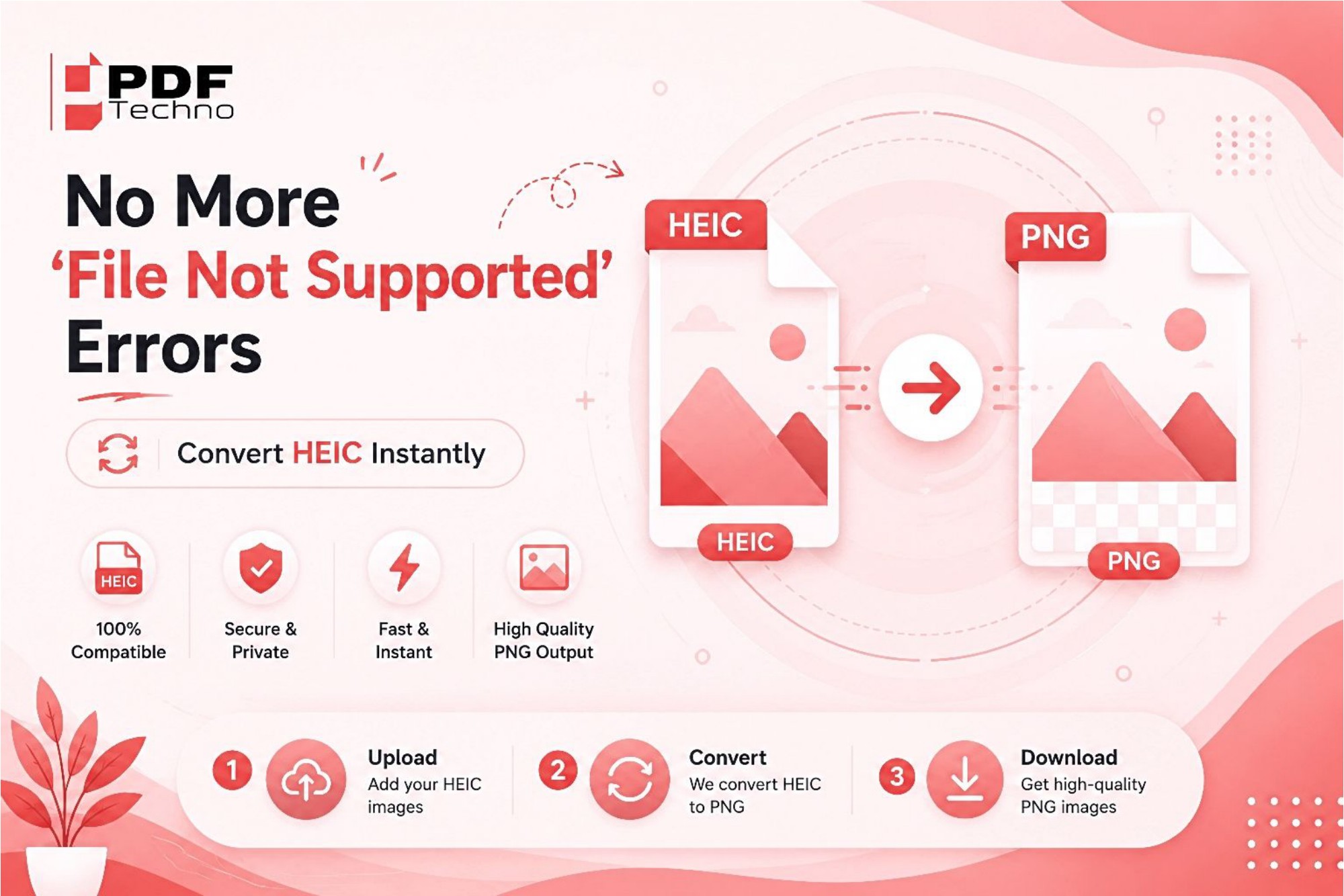
Tired of seeing "File Not Supported" errors while opening HEIC photos? Learn why it happens and how to instantly convert HEIC files to JPG or PNG using PDF Techno.
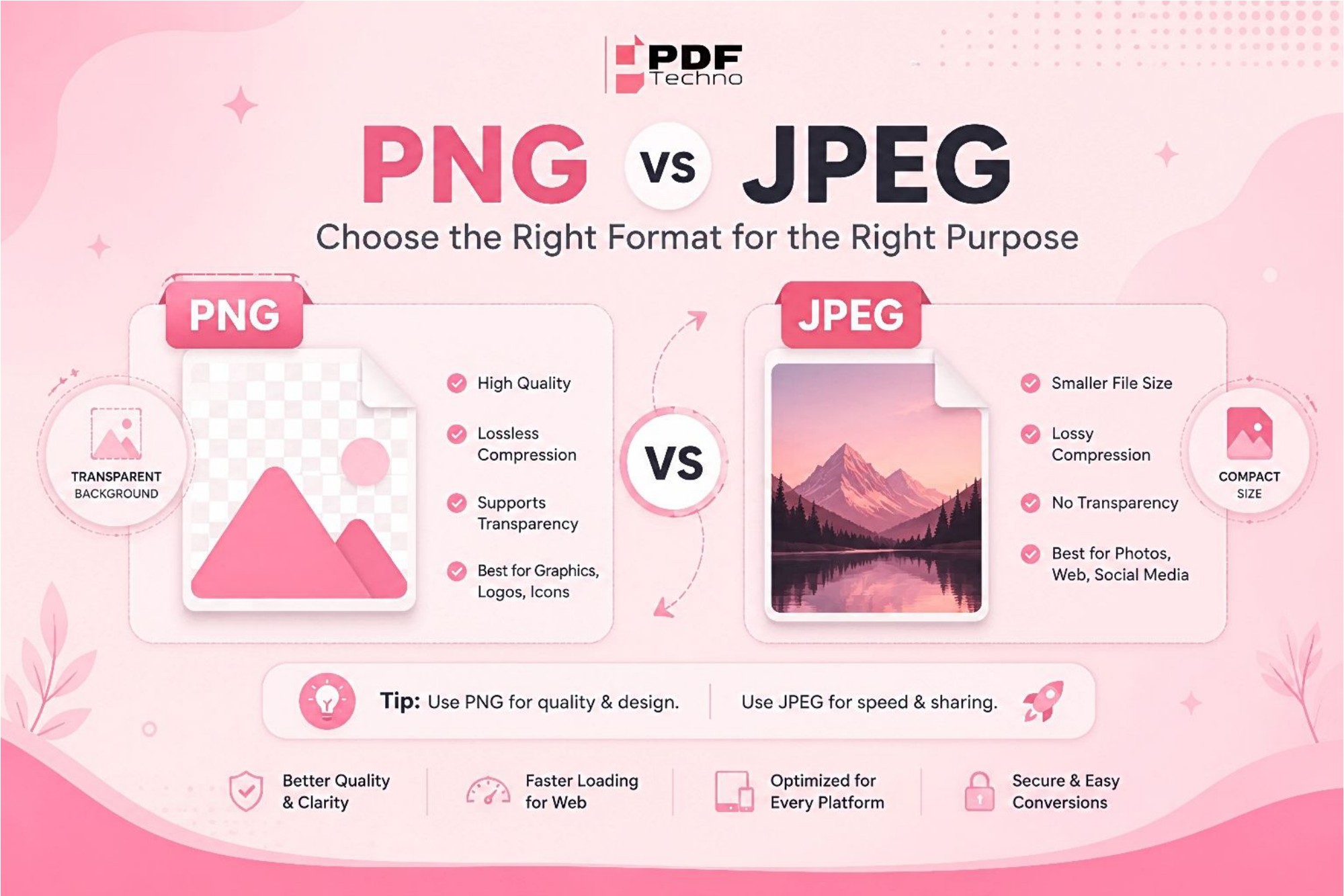
Confused between PNG and JPEG? Learn the key differences, advantages, and best use cases for each image format. Find out which one is right for your needs with PDF Techno.
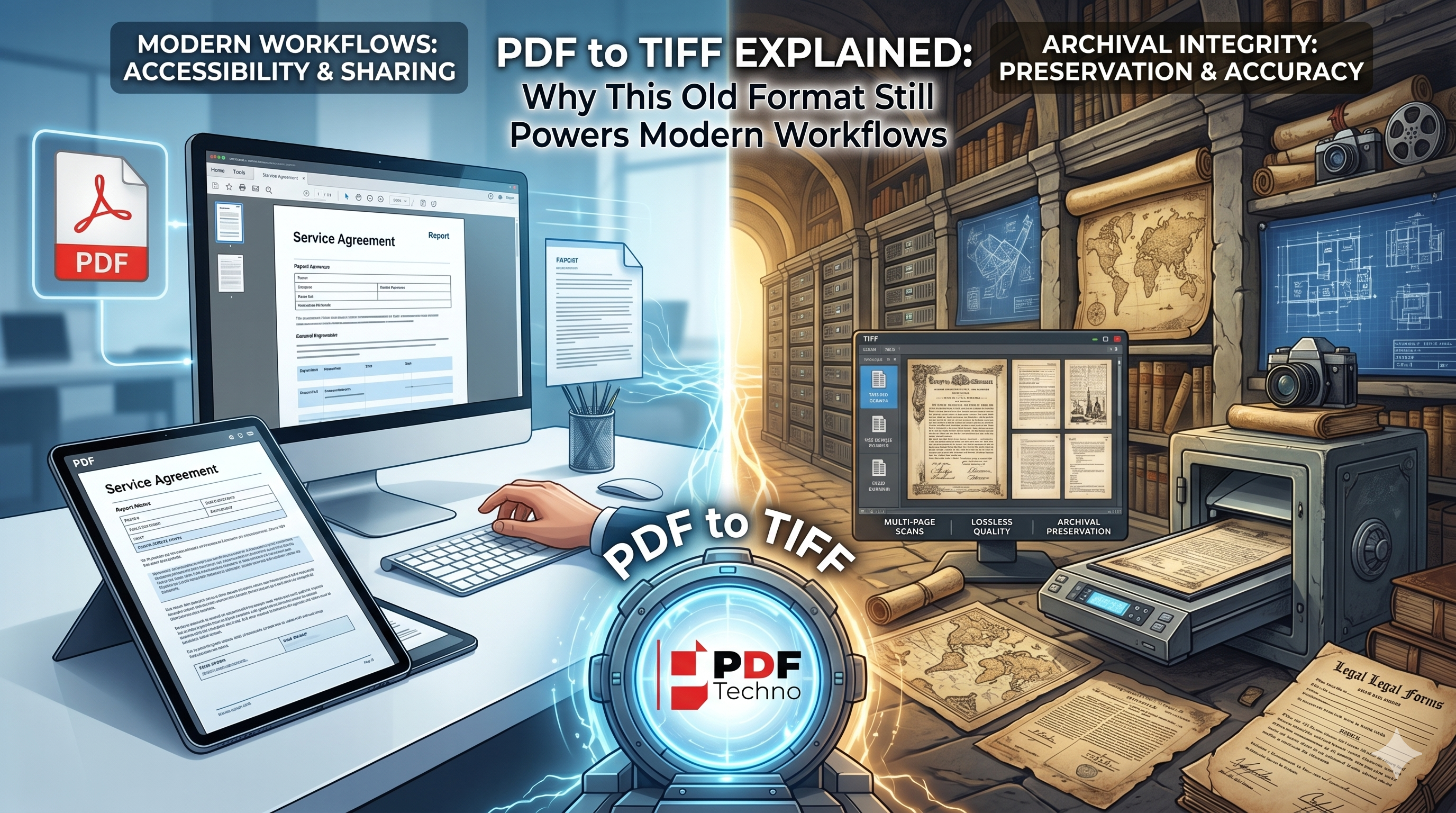
Learn why TIFF remains a trusted format for document archiving, legal records, and professional imaging, and discover when converting PDF to TIFF is the right choice.